Online Booking for Tutors, Music Teachers & Education Businesses

Tutors, music teachers, and language schools face scheduling demands that most booking software wasn't built for — recurring sessions, instructor-specific routing, and parent-student contact management. Here's how online booking works for education businesses.

Online Booking for Tutors, Music Teachers & Education Businesses

Online Booking for Tutors, Music Teachers & Education Businesses

Running a tutoring business, music school, or language center means every week brings the same administrative friction: students who text to reschedule on the morning of their session, parents asking when the next slot opens up, and payment conversations that make everyone uncomfortable. You got into teaching to teach — not to manage a calendar at 9 PM.

Online booking removes the scheduling overhead that drains education business owners' time. Students and parents book, reschedule, and pay on their own — 24 hours a day, seven days a week — while you focus on delivering great sessions.

Online booking software for tutors lets students or parents self-schedule sessions around the clock, matched automatically to the right instructor by subject and availability, with automated confirmations, reminders, and payment collection built in. Industry data shows that 40% of appointments are booked outside business hours (Zippia, 2026) — so without an online booking page, you're invisible exactly when students and parents are ready to commit.


Why Education Businesses Have a Uniquely Complex Scheduling Problem

Online booking tools designed for spas or nail salons don't map cleanly onto tutoring businesses. The differences matter.

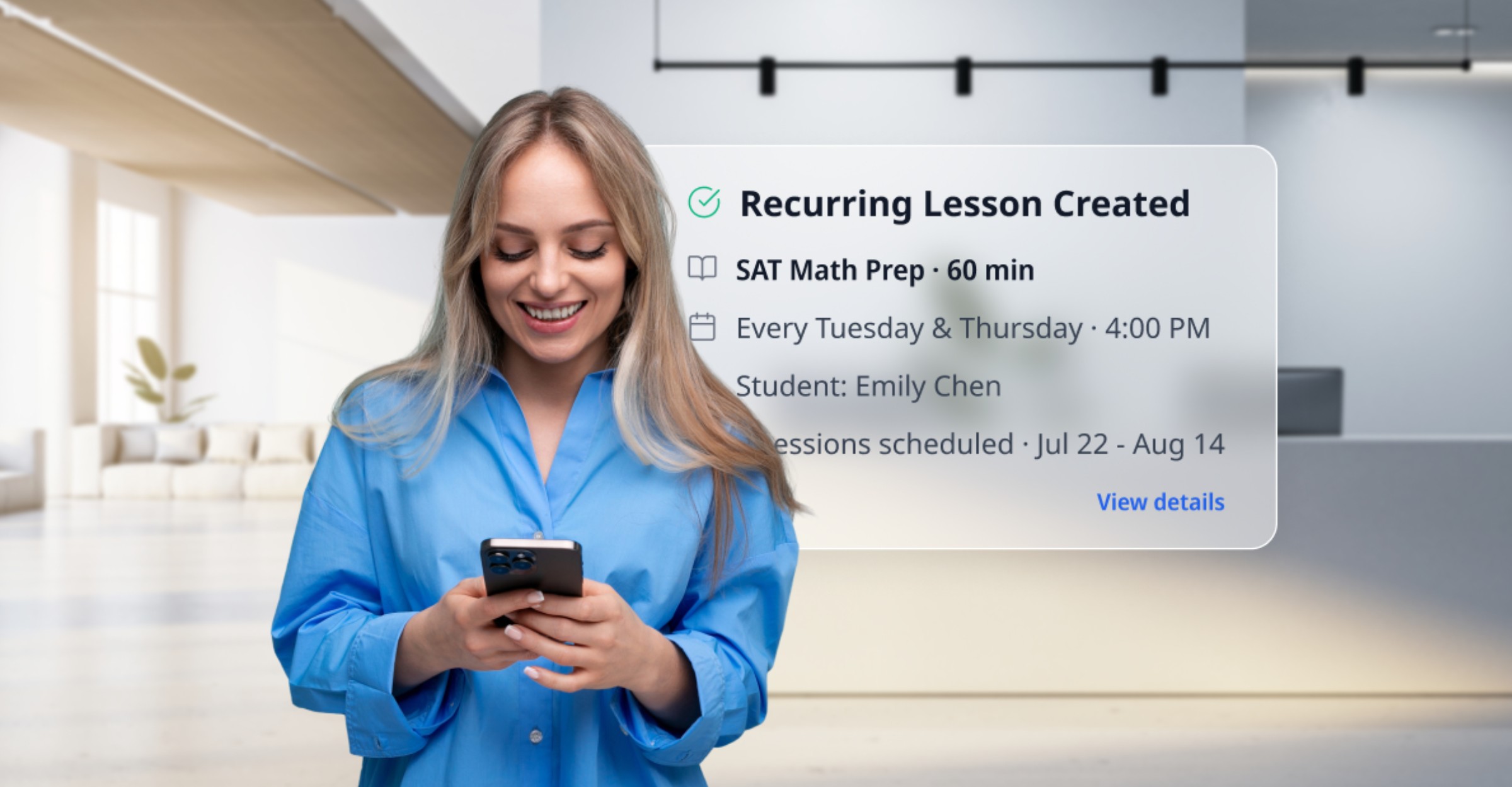
Recurring sessions are the norm, not the exception. A student doesn't book one lesson and disappear — they need the same slot every Tuesday at 4 PM for 12 weeks. Evidence on effective tutoring points to consistency with the same tutor as a key driver of student progress — and that consistency starts with a recurring booking that reliably holds the same slot. Stanford's National Student Support Accelerator scheduling guidance recommends students receive at least three sessions per week with the same tutor. Your booking system needs native recurring-appointment support, plus the ability to reschedule individual sessions in a series without disrupting the whole pattern.

Students belong to specific instructors. A tutoring center might have one SAT specialist, one AP Chemistry tutor, and a middle-school math instructor. Students don't just book any open time — they book with their teacher. Your system must route bookings to the correct provider automatically, based on subject and staff availability.

Demand concentrates in a narrow window. The bulk of tutoring and lesson demand falls between 3 and 7 PM on school days. Your booking page, your reminders, and your cancellation policy all get stress-tested at the same time, every day. A system that handles this window cleanly reduces admin load at exactly the moment it would otherwise overwhelm you.

The payer and the learner are often different people. For K–12 students, a parent typically books and pays while the student attends. Your booking flow should capture parent contact details for billing, while reminders should reach both the parent who paid and the student who needs to show up.


How to Set Up Online Booking for Your Education Business

1. Structure Services by Subject and Level

Avoid a catch-all "tutoring session" option. Each subject, level, or format should be its own service in your booking system:

  • Math – Grades 6–8 (60 min, $65)
  • SAT Prep – Math Section (90 min, $85)
  • Piano – Beginner (30 min, $50)
  • Piano – Intermediate (45 min, $60)
  • Spanish Conversation – Intermediate (60 min, $70)

This lets students self-select correctly, prevents mismatched bookings, and lets you price accurately by level and duration without manual intervention.

2. Enable Recurring Bookings

This is the most important feature for any education business. When configuring your system:

  • Let students book a recurring weekly or bi-weekly series in a single step
  • Allow individual sessions to be rescheduled without cancelling the full series
  • Set minimum booking notice (24–48 hours) and a defined cancellation window

In SimplyBook.me, recurring appointments are configured at the service level. Students lock in their weekly slot at first booking, and your schedule for the term is set. For tips on making that booking page perform once it's live, see how to create a booking page that actually converts.

3. Collect Intake Information at Booking

Add a short intake form to every first-session booking:

  • Grade level or current skill level
  • Specific subject and learning goal (e.g., "improve algebra" vs. "prepare for SAT Math")
  • Any learning accommodations or challenges (especially for K–12)
  • Parent contact details if the booking is for a child

Getting this information upfront means instructors arrive at the first session prepared — not spending the first 10 minutes of a paid session on background questions.

4. Require Deposits or Prepayment

No-shows are an unavoidable challenge in non-compulsory education. Sessions are optional, students are busy, and cancellations often come with minimal notice. A deposit or full prepayment at booking:

  • Filters out casual or uncommitted inquiries
  • Ensures you recover revenue even on late cancellations
  • Removes the need for awkward manual payment conversations after a missed session

Many tutors charge 100% of the session fee for cancellations made with fewer than 24 hours' notice. Your booking system can enforce this automatically, so the policy applies consistently without a follow-up conversation every time. For a complete breakdown of no-show prevention strategies, see how to reduce no-shows for service businesses.

5. Configure Automated Reminders

Two reminders, correctly spaced, meaningfully reduce missed sessions — and every missed session is pure lost revenue you can't recover.

  • 48 hours before the session: Gives students or parents time to reschedule proactively rather than cancelling last-minute or simply not showing up
  • 2–4 hours before the session: A practical nudge for busy students who may have forgotten

For K–12 students, route reminders to the parent contact. For adult students — language learners, professional development — student contact alone is appropriate.

SimplyBook.me supports email, SMS, and WhatsApp reminders with configurable timing. See how to set up automated appointment reminders for the full configuration walkthrough.

Industry data shows automated reminders reduce no-shows by around 29% (Zippia, 2026) — a meaningful gain when every missed session is pure lost revenue.


Scheduling Features to Prioritize for Education Businesses

Feature Why It Matters for Tutors
Recurring bookings Students need the same slot week after week, term after term
Instructor routing Book with a specific teacher by subject, not just any open time
Intake forms Capture subject, level, and goals before session one
Deposits and prepayment Reduce no-shows and protect revenue from late cancellations
Buffer time between sessions Give instructors time to reset between back-to-back lessons
Resource booking Assign rooms or instruments to prevent double-booking
Time zone support Essential for online tutoring with remote students
Package and bundle sales Sell 5 or 10 sessions upfront; track the remaining balance automatically
Separate parent/student contact Parent gets billing confirmation; student gets the session reminder

Music Schools and Language Centers: Additional Setup Considerations

Music schools and language centers have specific requirements that general booking tools often overlook.

Room and Instrument Assignment

A piano lesson needs a piano room. A group guitar workshop needs a rehearsal space different from individual lessons. Link each service to a specific room or instrument in your booking setup — when that resource is booked, it's removed from availability automatically. Two students can't accidentally end up in the same room.

SimplyBook.me's resource feature handles this natively. Each resource has its own availability calendar, and the system prevents conflicts without any manual coordination.

Trial Lessons as a Standalone Service

Most music and language schools convert new students with a reduced-price or complimentary first session. Configure this as a distinct service with its own pricing, duration, and post-booking email — ideally one that ends with a prompt to book an ongoing recurring slot. Your booking system turns the trial into a pipeline step rather than a one-off visit.

Group Classes Alongside Private Sessions

If you offer group workshops or classes in addition to private lessons, your booking page should handle both formats. Group sessions should appear as event registration with a maximum attendee cap, while private sessions show standard one-to-one appointment availability. SimplyBook.me supports both from the same booking page, so students can sign up for a group class and book a private lesson in the same visit without navigating to a separate site.


Selling Session Packages and Bundles

Selling sessions in packages — five lessons for the price of four, or a term-based prepayment plan — is standard practice in education businesses for good reason:

  • Cash flow: Revenue arrives upfront rather than session by session
  • Commitment: Students who have prepaid for 10 lessons tend to attend 10 lessons
  • Reduced rebooking friction: Students don't decide each week whether to continue

Your booking system should track the remaining package balance so students can schedule their next session without calling to ask how many they have left. The best setups let students purchase packages directly from your booking page, turning your scheduler into a lightweight point of sale.

For a full walkthrough on payment collection and online deposits, see how to accept online payments for appointments.


Frequently Asked Questions

Can tutors accept online payments through a booking system?

Yes. SimplyBook.me lets you collect payment at booking, require a deposit, or sell session packages. Accepted methods include credit cards, PayPal, and bank transfers depending on your payment provider configuration. Payment is processed at booking time, so revenue is secured even if a student cancels late.

How do recurring sessions work in online booking software?

In SimplyBook.me, a student selects a day and time, chooses a recurring pattern (weekly, bi-weekly), and books the full series in one step. If a single session needs to move, either party can reschedule that instance without cancelling the rest of the series — and the system sends individual reminders for each upcoming session.

Does online booking work for tutoring centers with multiple instructors?

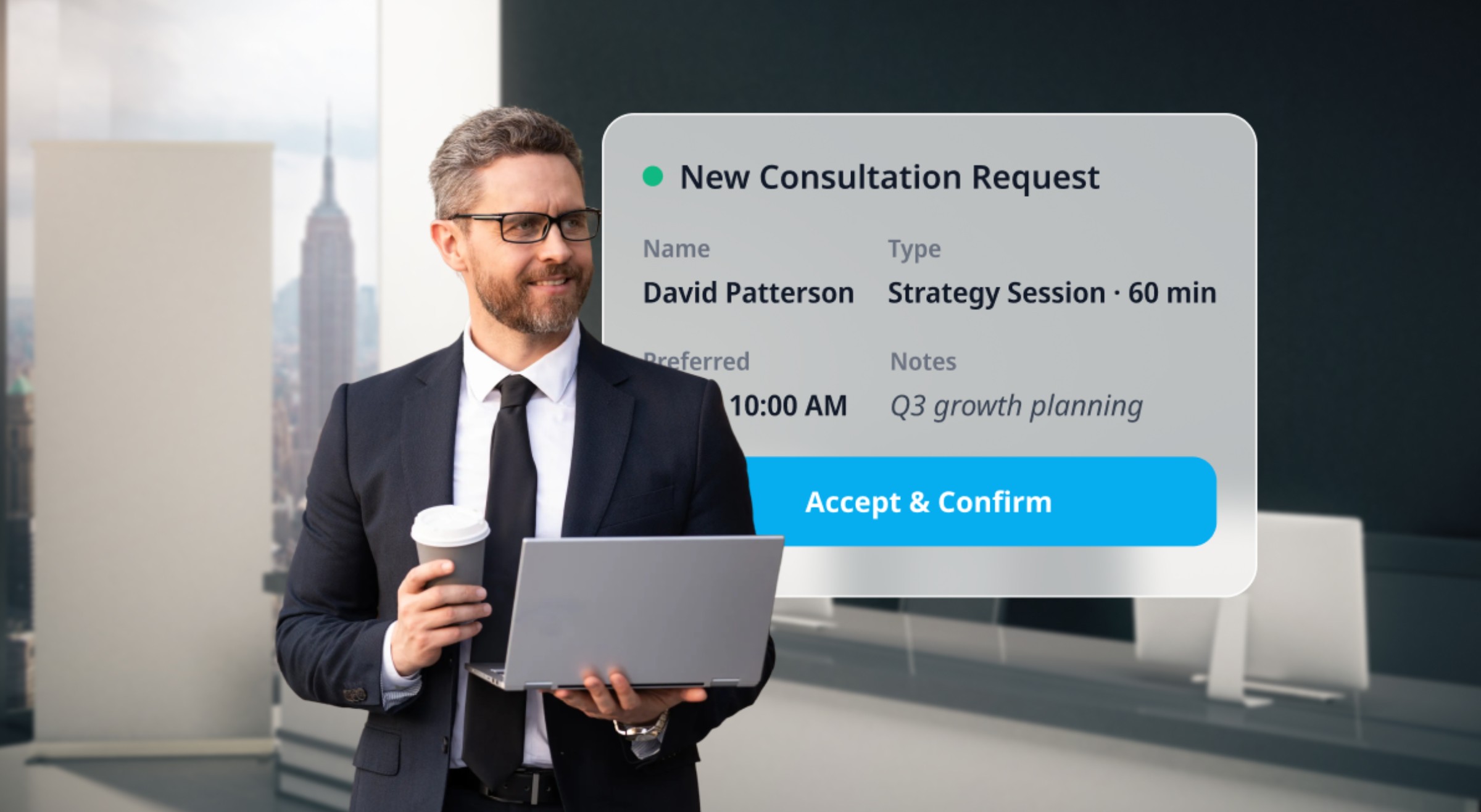
Yes. Create a separate staff profile for each instructor with their individual availability, subjects, and assigned services. Students select their instructor at booking. You get a centralized admin view across all instructor calendars, making it easy to spot capacity gaps and manage the full center's schedule in one place.

How do I enforce a cancellation policy through my booking system?

Set a cancellation window (for example, 24 hours) and a policy action in your booking settings — either withhold the deposit or charge the full session fee. When a student cancels inside that window, the system applies the policy automatically, removing the need for a manual follow-up conversation every time.

Is online booking useful for solo tutors, or only for larger centers?

Both. A solo tutor with 10 weekly students benefits immediately from eliminating scheduling back-and-forth, automating reminders, and collecting payment without chasing payment after sessions. Larger centers gain multi-instructor coordination, room booking, and consolidated reporting. SimplyBook.me's free plan covers the basics most individual tutors need to get started.


Run a Tighter Schedule — and Spend More Time Teaching

Teaching is what you're good at. Scheduling, chasing reminders, and reconciling payments take time away from it. Online booking handles that overhead so you don't have to.

SimplyBook.me is used by over 100,000 service businesses in 100+ countries, including tutors, music teachers, language schools, and test prep centers. The free plan covers the essentials; paid plans add recurring booking, package sales, deposits, and multi-instructor management as your education business grows.

Create your free SimplyBook.me account and have your education booking page live within the hour.


PayPal is a trademark of PayPal Holdings, Inc. All third-party names mentioned are the property of their respective owners.

Unlock exclusive content

Get booking tips, product updates, and inspiring stories to help you grow your service business — straight to your inbox