Sig det. Book det. Fremtiden for planlægning er her
Bring AI-stemmebooking til din hjemmeside, en AI-bookingassistent, der forvandler besøg til bookinger på få sekunder.


Hvorfor AI-stemmebooking
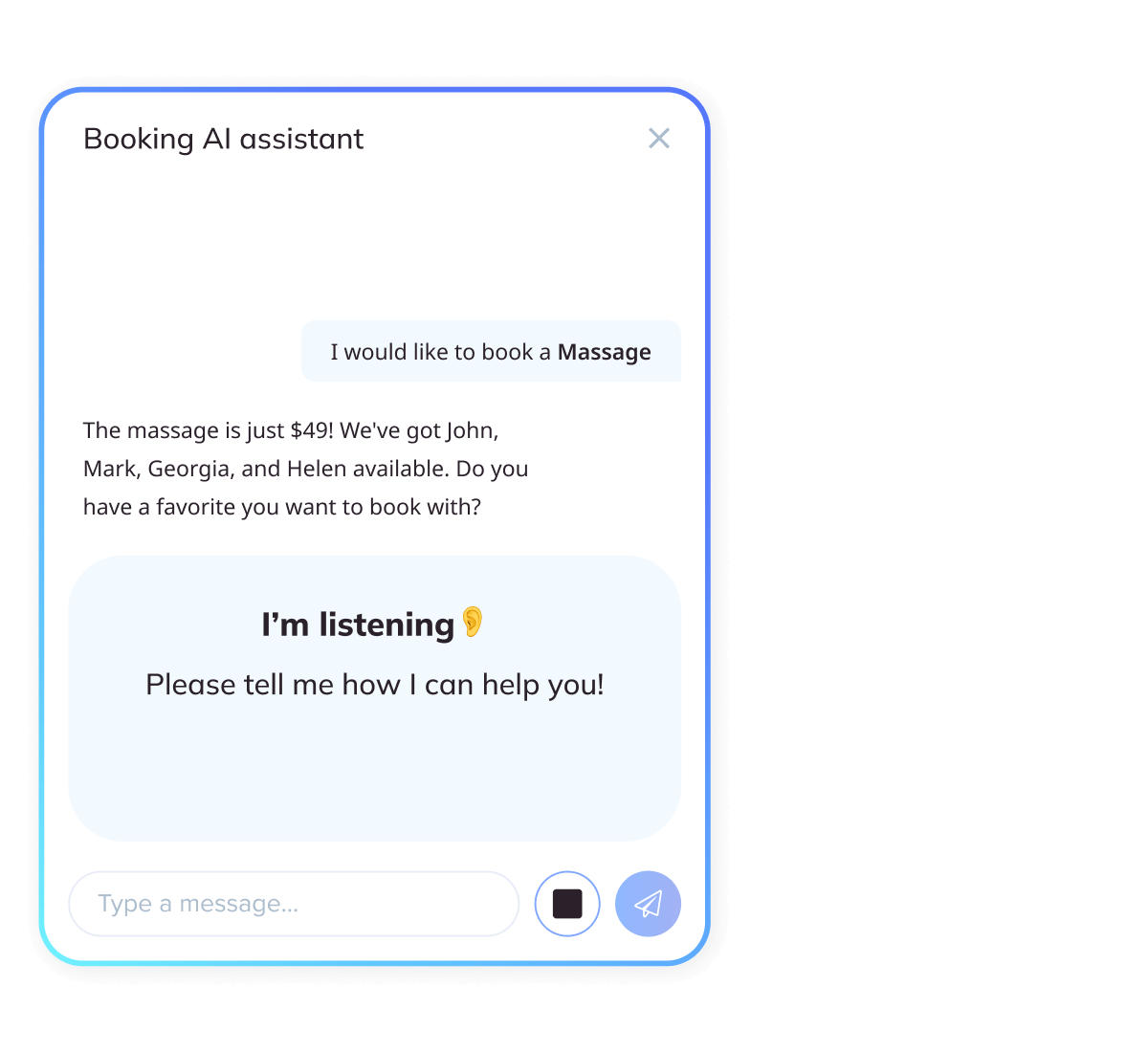
Gør hjemmesidebesøg til samtaler - og samtaler til bekræftede bookinger. SimplyBook.me bringer AI-stemmebooking til din hjemmeside og sociale medier (Facebook, Whatsapp, Instagram) med en AI-bookingassistent i centrum, så besøgende bare kan tale, se muligheder og bekræfte på få sekunder. Den bor direkte på din hjemmeside, fjerner friktion og fremskynder checkout.
Hurtigere vej til "bekræftet"
Besøgende taler bare; assistenten klarer resten.
Nul forstyrrelser
Fungerer på dit websted og respekterer dine eksisterende tjenester, regler og kalender.
Innovation, du kan stole på
Bygget af SimplyBook.me, drevet af OpenAI's pålidelige AI-teknologi, med sikkerhed på virksomhedsniveau og fuld overholdelse af GDPR.
Det er resultatet af vores vedvarende investering i AI og moderne webteknologier, som sikrer, at planlægningen føles ubesværet i dag og kun bliver smartere med tiden.
Se den i aktion
Se, hvordan det fungerer i denne korte demovideo
Nøglefunktioner i AI-stemmebooking
Stemmestyret booking
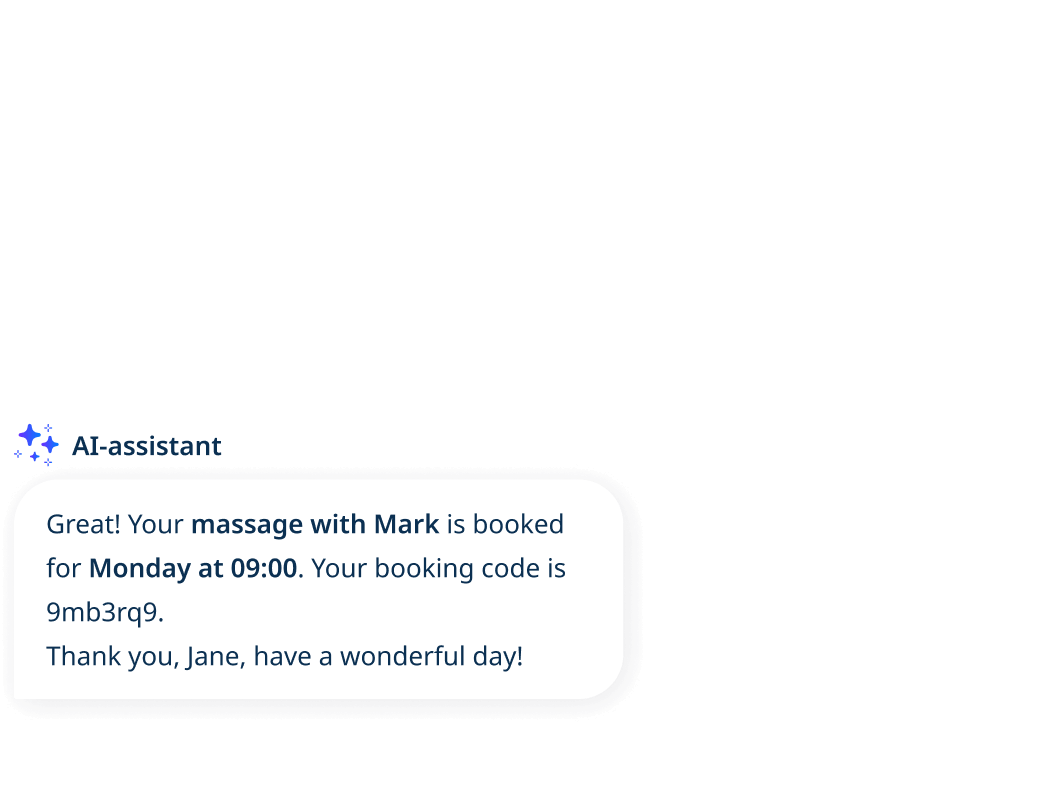
Dette er samtaleplanlægning. Med AI-stemmebooking-funktionen siger kunderne blot, hvad de har brug for - "Book en klipning fredag kl. 15" - og assistenten forstår hensigten, tjekker tilgængeligheden og guider dem til en bekræftet tid. Ingen formularer, ingen frem og tilbage, bare et naturligt flow fra anmodning til bekræftelse.
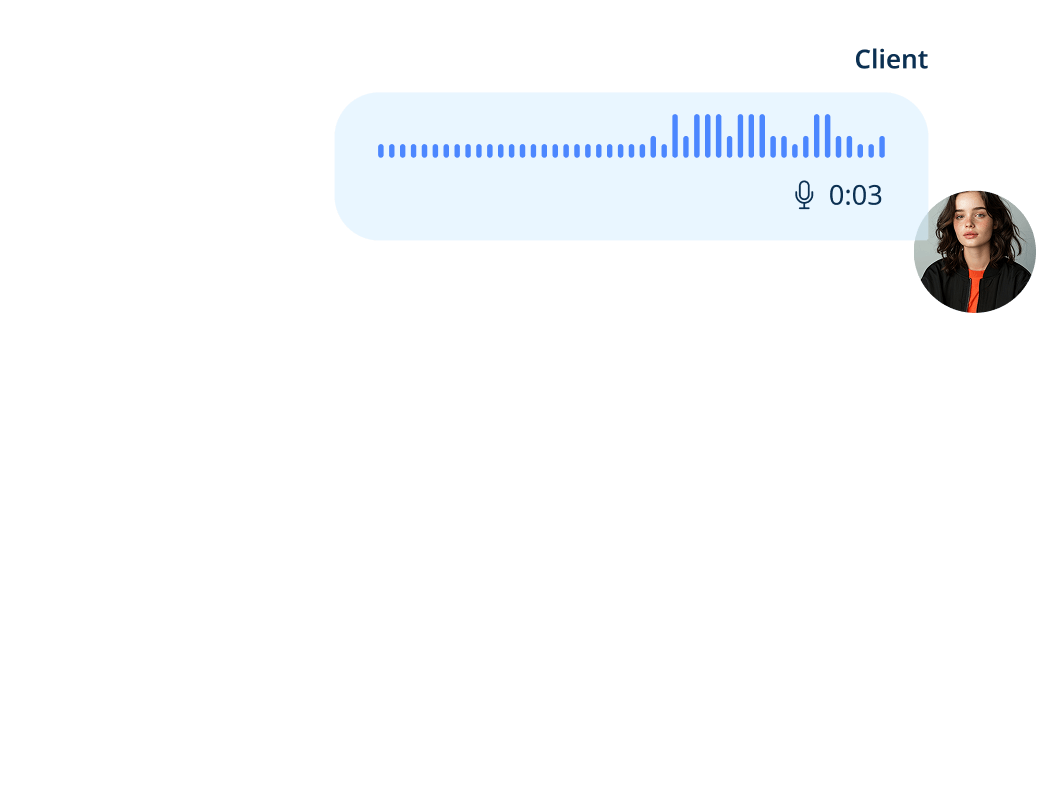
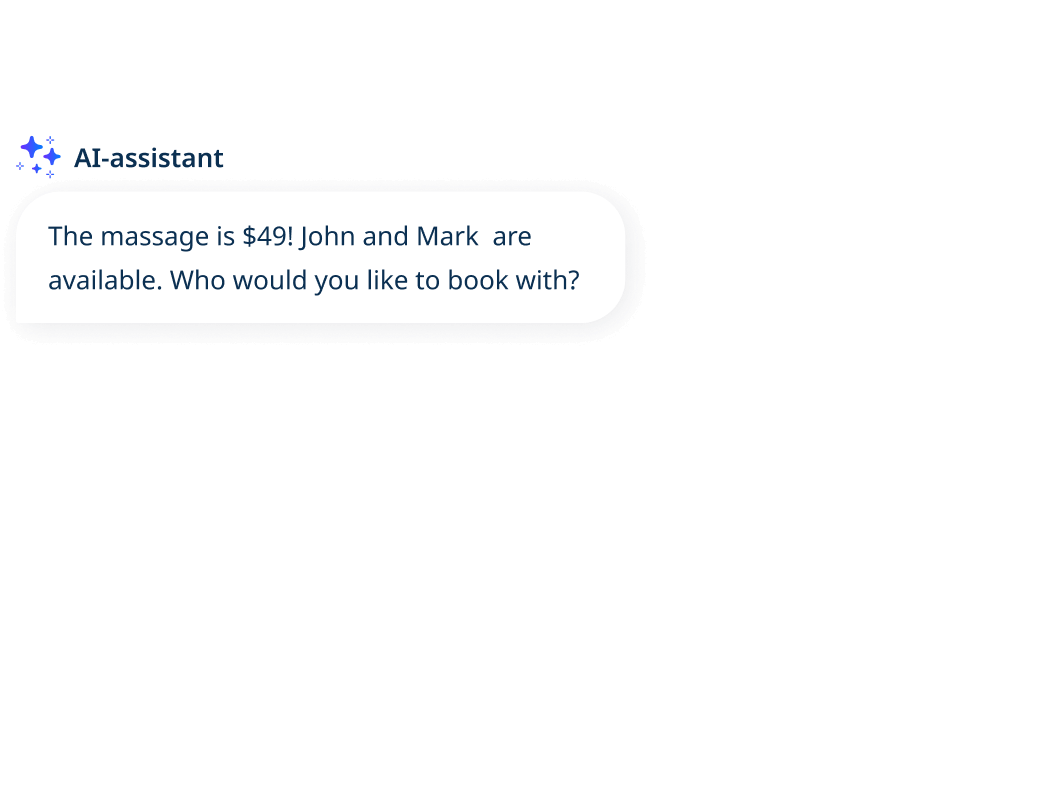
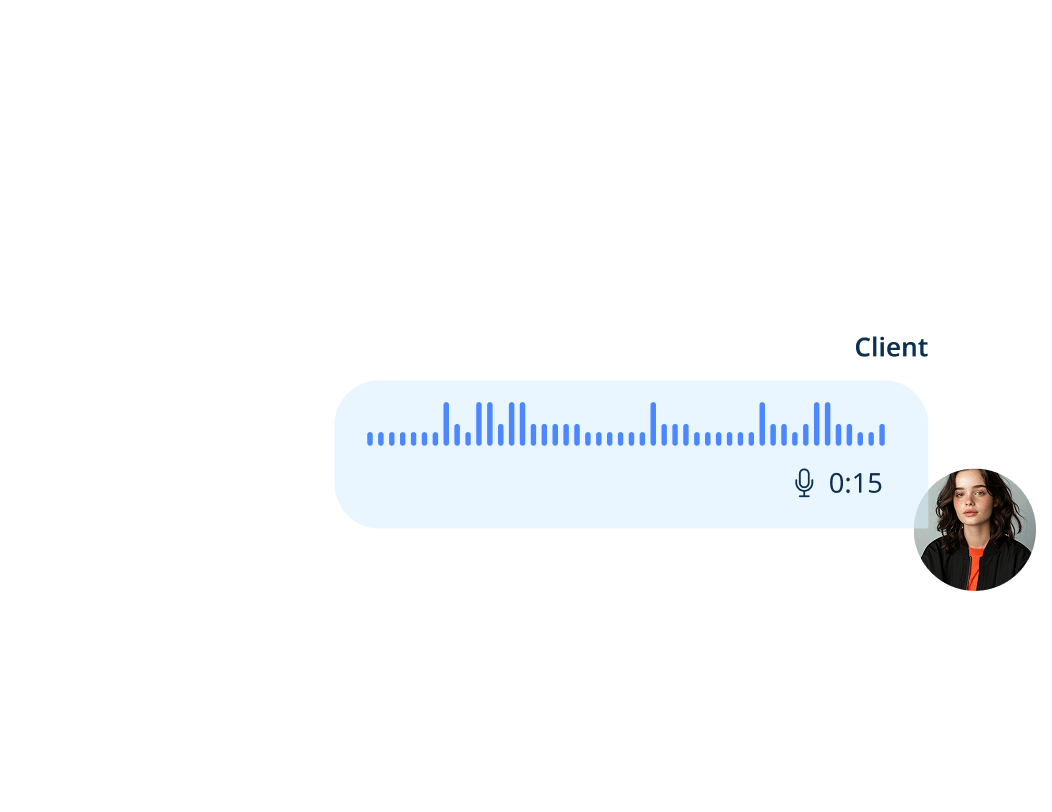
Tal eller skriv
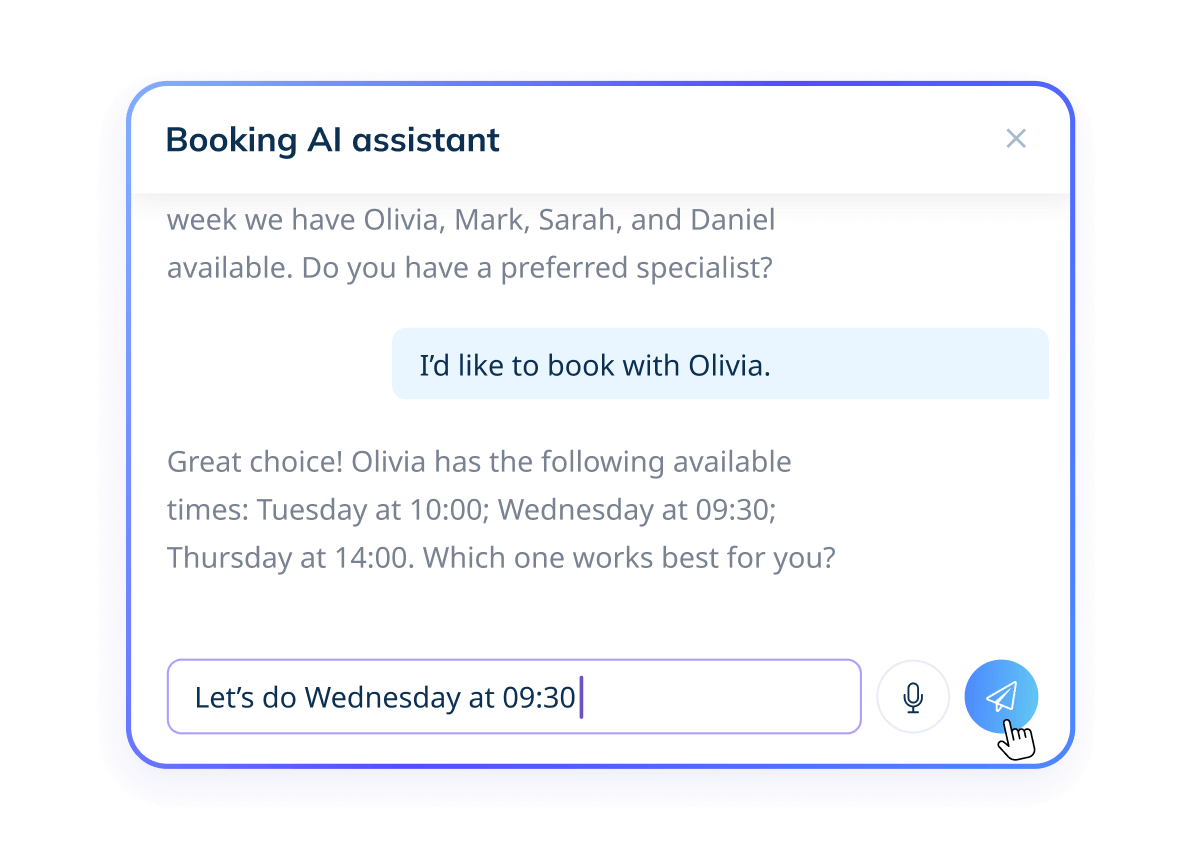
Ingen mikrofon? Det er ikke noget problem. Kunderne kan skrive deres anmodning i stedet for at tale, uanset om de befinder sig i et støjende rum eller bare foretrækker tastaturet. Den samme assistent forstår anmodningen, tilbyder ledige tider og bekræfter bookingen lige så hurtigt.
Glat af design
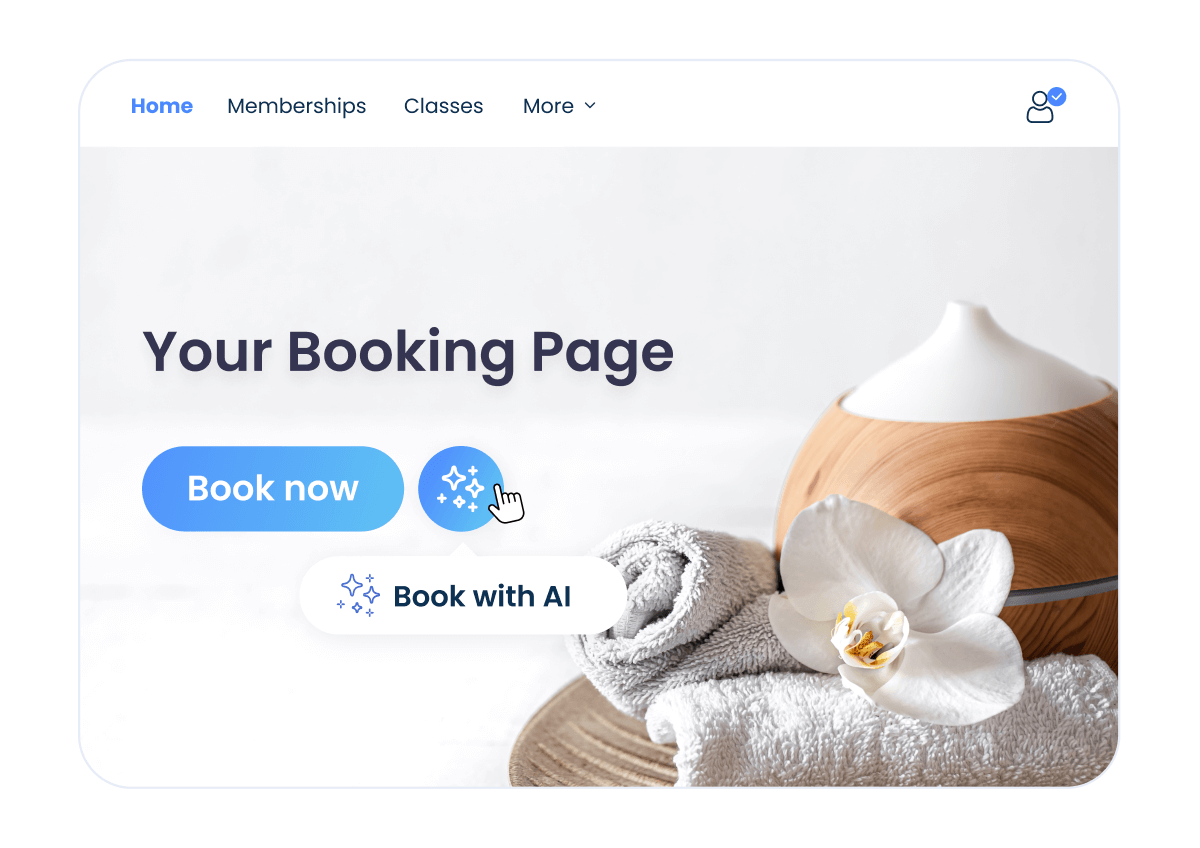
Aktiver nemt AI-stemmebooking-funktionen på få minutter. Den fungerer med dine eksisterende SimplyBook.me-tjenester, regler, påmindelser og kalendersynkronisering, så du beholder din opsætning, præcis som den er, mens du tilføjer en hurtigere vej til booking.
Privacy-først-tilgang
Vi prioriterer dit privatliv. Stemmen behandles sikkert ved hjælp af industristandardkryptering af vores betroede AI-partner, OpenAI. Din stemme bliver aldrig optaget - der bruges kun tekst til at gennemføre din booking. Al behandling er i overensstemmelse med GDPR. Læs mere i vores Privatlivspolitik.


AI-stemmebooking på dine sociale medier
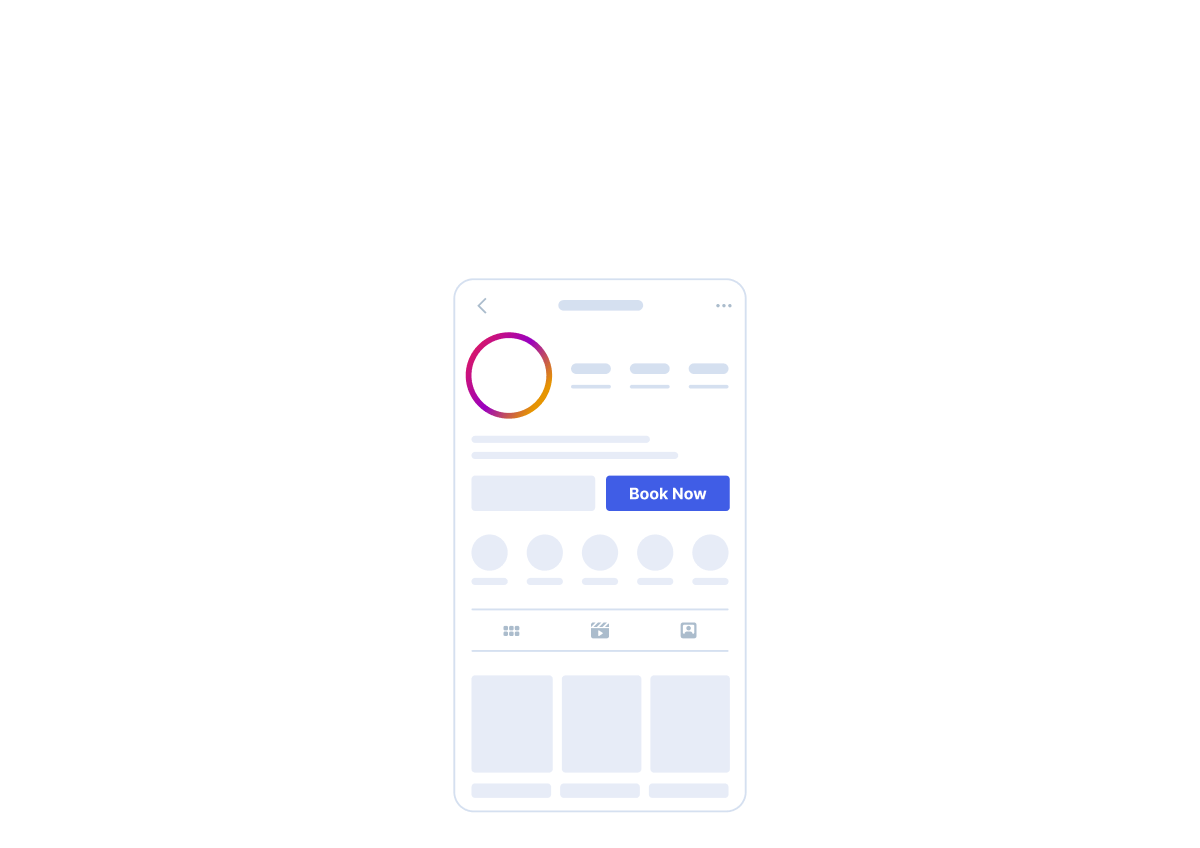
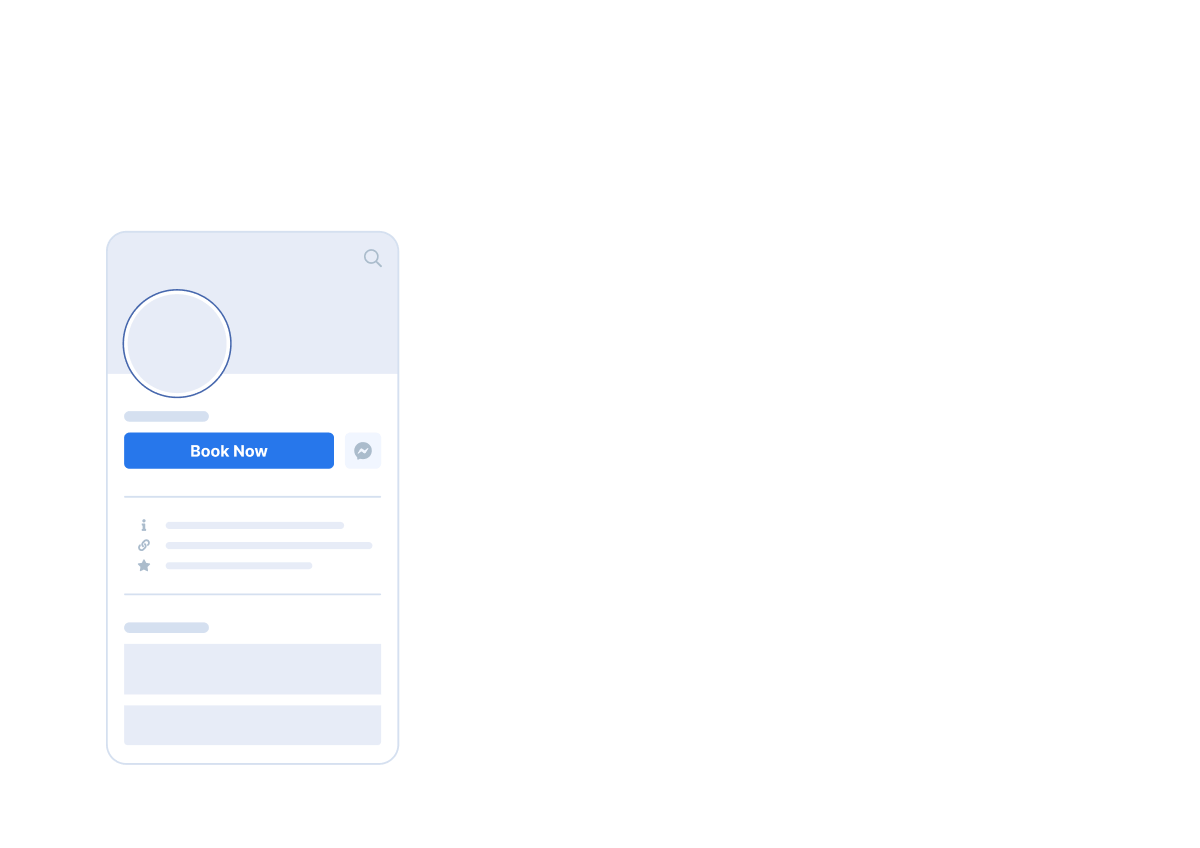
Dine kunder kan starte den stemmebaserede bookingproces direkte fra dine professionelle profiler på Facebook, Instagram og WhatsApp. Det gør bookingen hurtigere, mere tilgængelig og altid tilgængelig. Kunderne kan også ringe til dit WhatsApp Business-nummer og blive guidet direkte ind i bookingflowet, så din virksomhed kan håndtere opkald som en 24/7-receptionist.
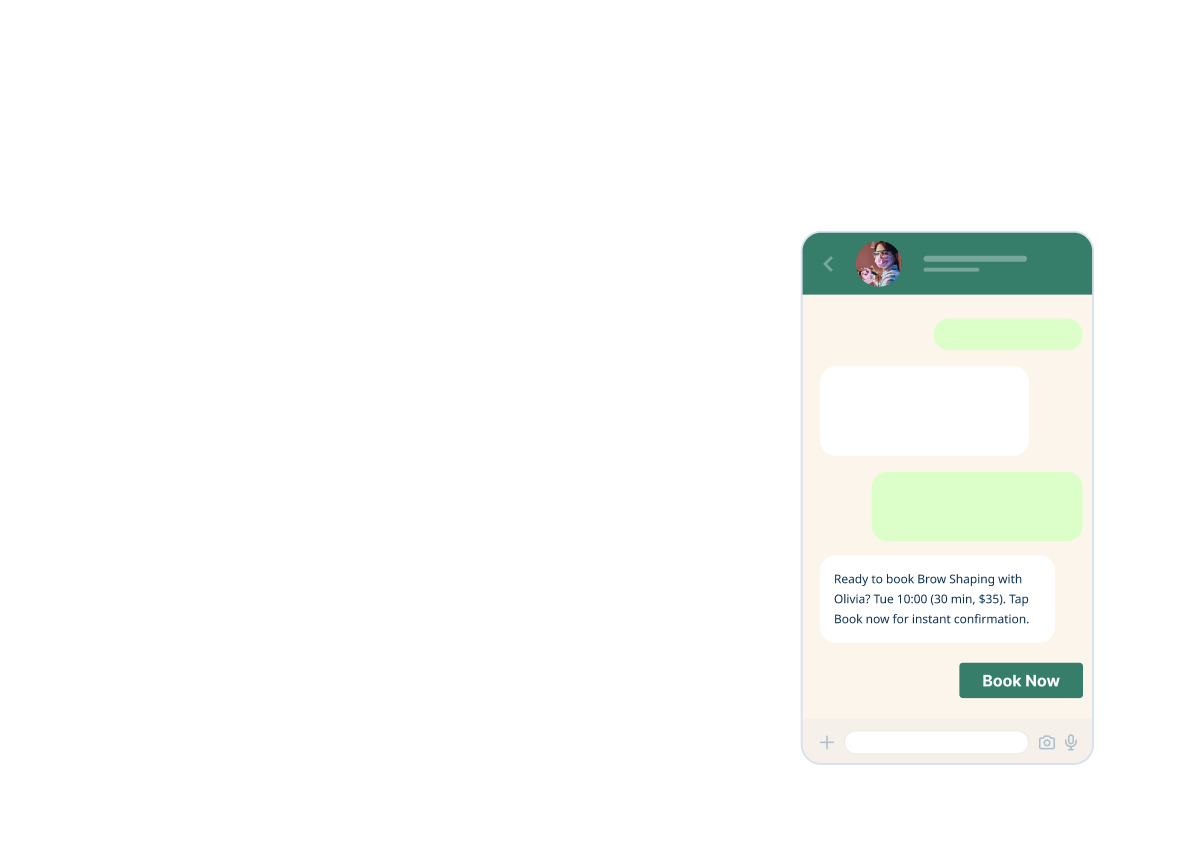
Sådan fungerer det
01. Aktivér funktionen
Gå til Brugerdefinerede funktioner, åbn AI-stemmebooking, og aktiver det med et enkelt klik.
02. Tilføj kreditter
Fyld din saldo op når som helst i Planer og priser → Ekstra varer → AI Credits Pack, så assistenten altid er tilgængelig.
03. Se det live
Klik på den grønne knap My Booking Channels i øverste højre hjørne, og gå derefter til My Booking Website for at se AI-stemmebooking-widgeten på din side.
04. Begynd at indsamle bookinger
Besøgende kan sige eller skrive, hvad de har brug for, assistenten foreslår de bedste ledige tider, og bookinger bekræftes på få sekunder.
01. Aktivér funktionen
Gå til Brugerdefinerede funktioner, åbn AI-stemmebooking, og aktiver det med et enkelt klik.
02. Tilføj kreditter
Køb kreditter når som helst under Planer og priser → Yderligere varer → AI-kreditpakke, da widgetten kræver kreditter for at fungere.
03. Juster widget-indstillinger
Klik på knappen "Widget Settings" øverst til højre i indstillingerne for AI-stemmebooking-funktionen for at tilpasse farverne og få vist assistenten, før du integrerer den.
04. Generer din widget-kode
Klik på Save & Get Widget Code i øverste højre hjørne. Der vises et pop op-vindue - klik på kopi-ikonet for at kopiere scriptet.
05. Integrer det på din hjemmeside
Indsæt scriptet i dit websteds sideeditor. Widgetten fungerer med de fleste større hjemmesidebyggere og CMS-platforme.
06. Begynd at indsamle bookinger
Besøgende kan sige eller skrive, hvad de har brug for, assistenten foreslår de bedste ledige tider, og bookinger bekræftes på få sekunder.
Understøttede sprog
Understøttelse af mere end 50 sprog, herunder engelsk, græsk, fransk, tysk, spansk, italiensk, portugisisk, hollandsk, svensk, norsk, dansk, finsk, polsk, tyrkisk, arabisk, hebraisk, hindi, japansk, koreansk, kinesisk, ukrainsk, vietnamesisk og mange flere.


Er du klar til at forvandle samtaler til bookinger med AI-stemmebooking?
Lad en AI-bookingassistent klare resten