Säg det. Boka det. Framtidens schemaläggning är här.
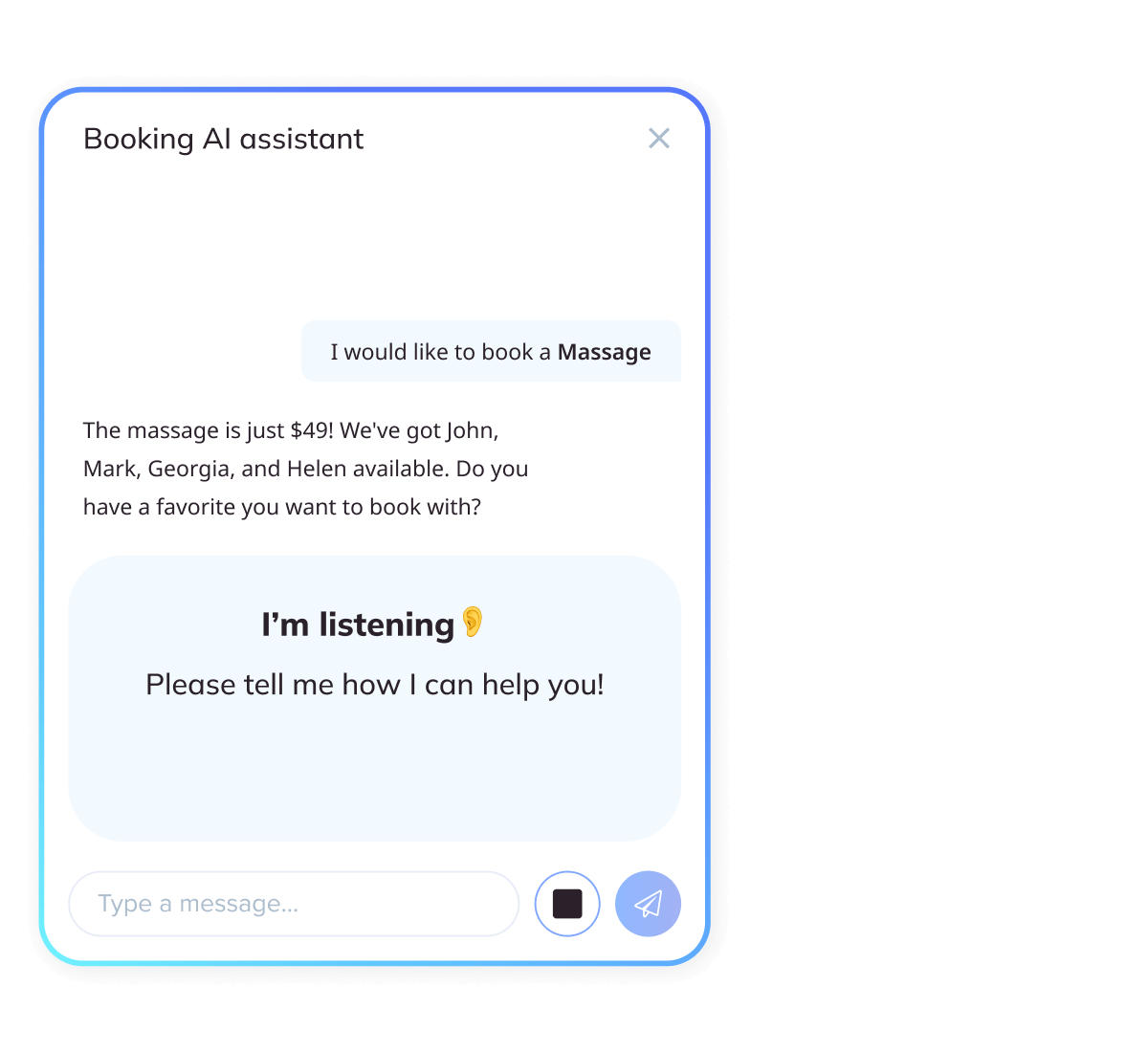
Lägg till AI Voice Booking på din webbplats – en AI-bokningsassistent som omvandlar webbplatsbesök till bokningar på sekunder.


Varför AI Voice Booking
Förvandla webbplatsbesök till samtal – och samtal till bekräftade bokningar. SimplyBook.me ger dig AI Voice Booking på din webbplats och sociala medier (Facebook, WhatsApp, Instagram) med en AI-bokningsassistent i centrum, så att besökare bara talar, ser alternativ och bekräftar på sekunder. Det fungerar direkt på din webbplats och eliminerar friktion.
Snabbare väg till "bekräftad"
Besökarna pratar bara – assistenten tar hand om resten.
Noll störningar
Fungerar på din webbplats och respekterar dina befintliga tjänster, regler och kalender.
Innovation du kan lita på
Byggt av SimplyBook.me, drivet av OpenAI:s betrodda AI-teknik, med säkerhet i företagsklass och full GDPR-efterlevnad.
Det är resultatet av vår fortsatta investering i AI och modern webbteknik, vilket gör schemaläggning enkel idag och ännu smartare med tiden.
Se det i praktiken
Se hur det fungerar i den här korta demovideón
Nyckelfunktioner i AI Voice Booking
Röststyrd bokning
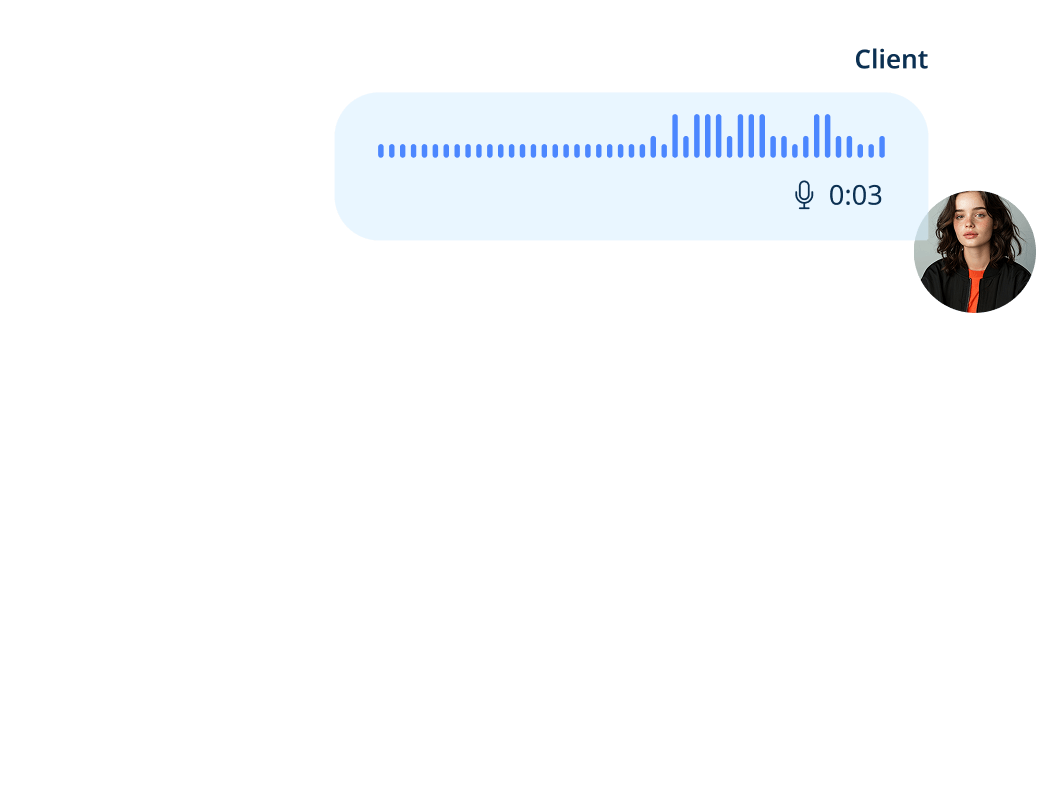
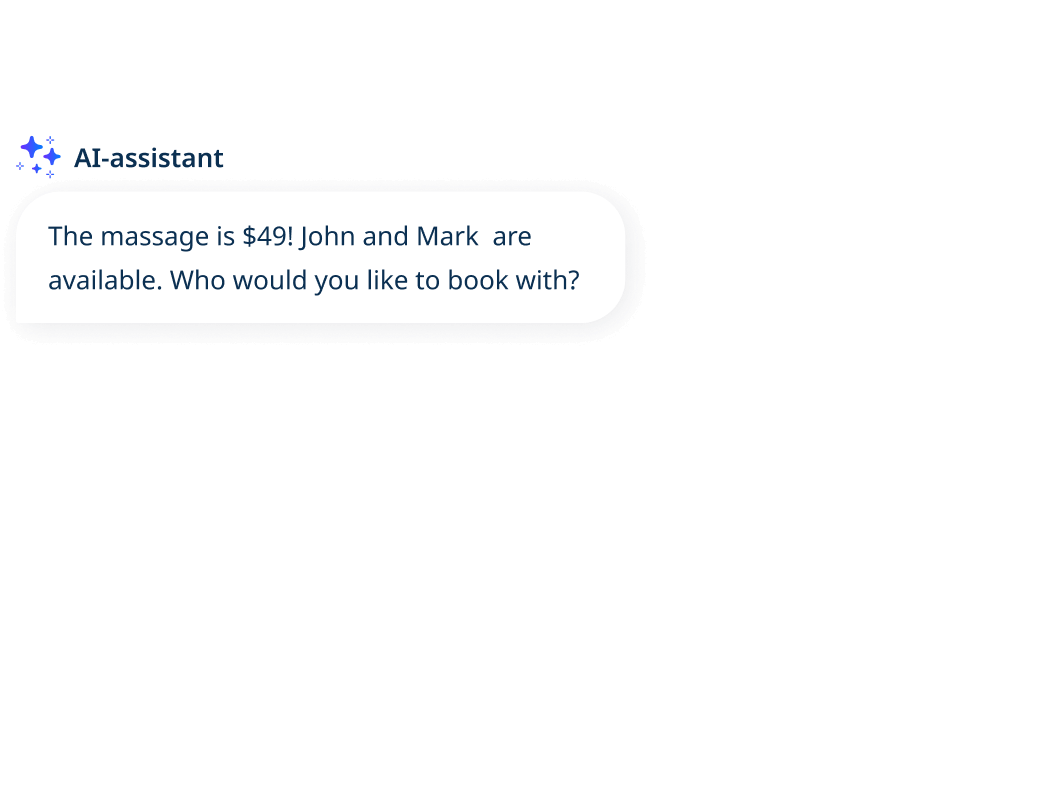
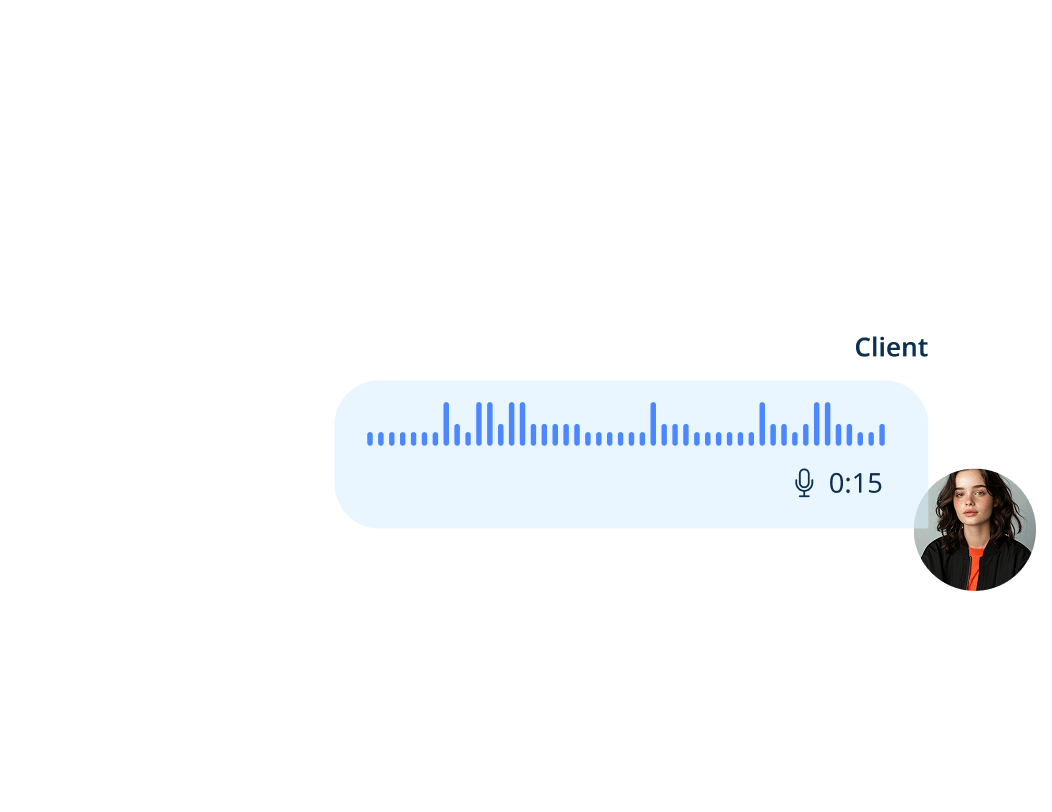
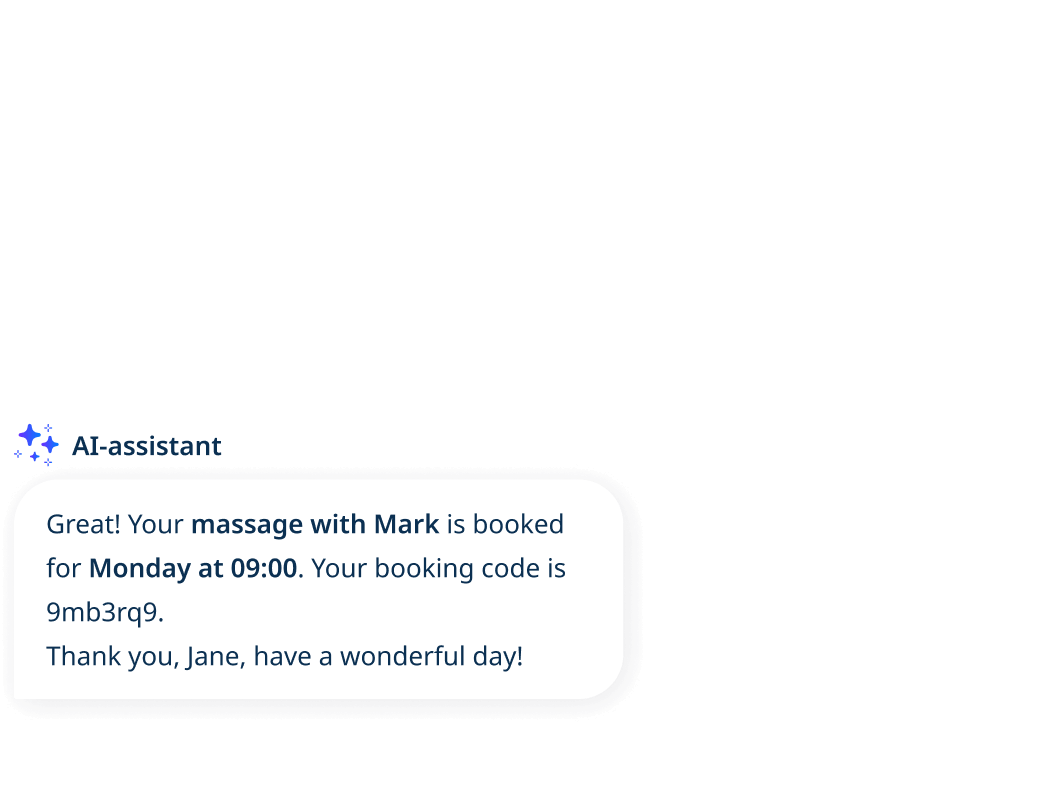
Det här är konversationsbaserad schemaläggning. Med AI Voice Booking säger kunder bara vad de behöver – "Boka en klippning på fredag kl. 15" – och assistenten förstår avsikten, kontrollerar tillgängligheten och leder dem till en bekräftad tid. Inga formulär, inget fram och tillbaka – bara ett naturligt flöde från förfrågan till bekräftelse.

Prata eller skriv
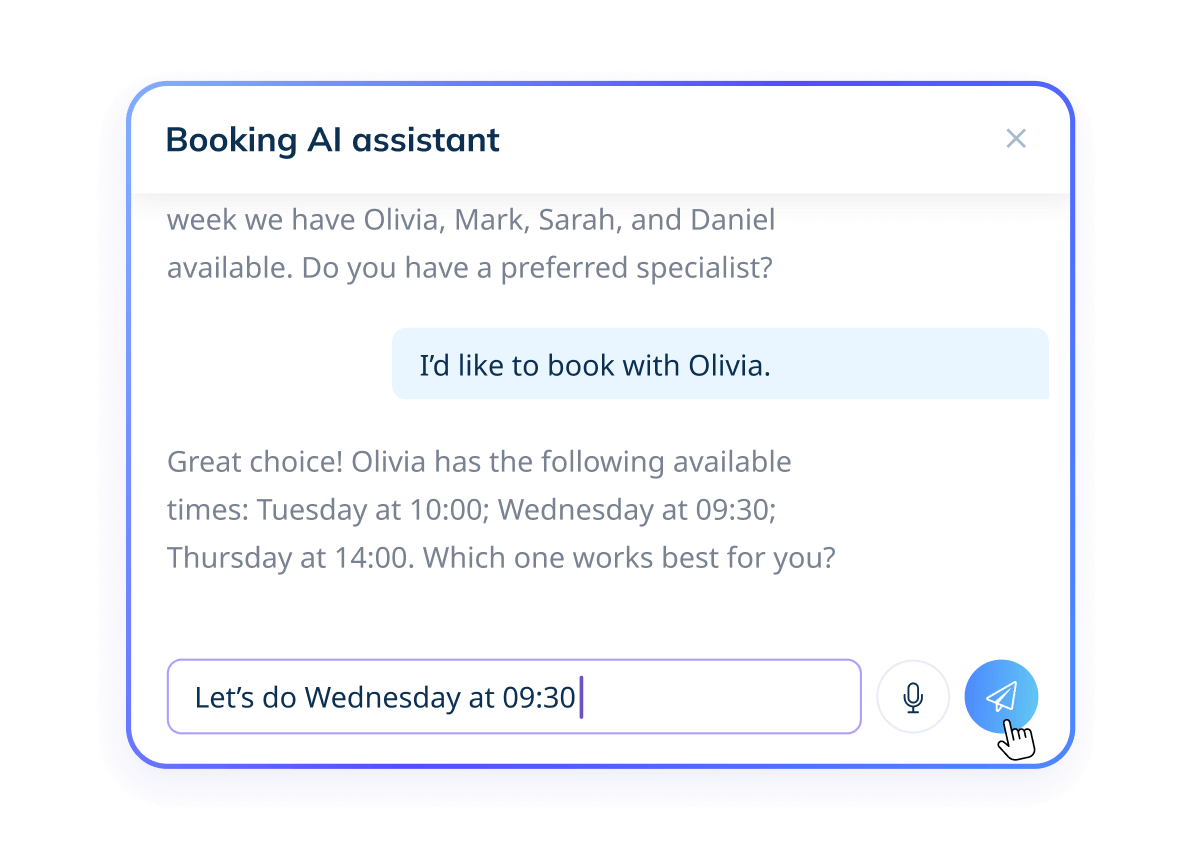
Ingen mikrofon? Inga problem. Kunder kan skriva sin förfrågan istället för att tala, oavsett om de befinner sig i en bullrig miljö eller föredrar tangentbordet. Samma assistent förstår förfrågan, erbjuder lediga tider och bekräftar bokningen lika snabbt.
Smidig av design
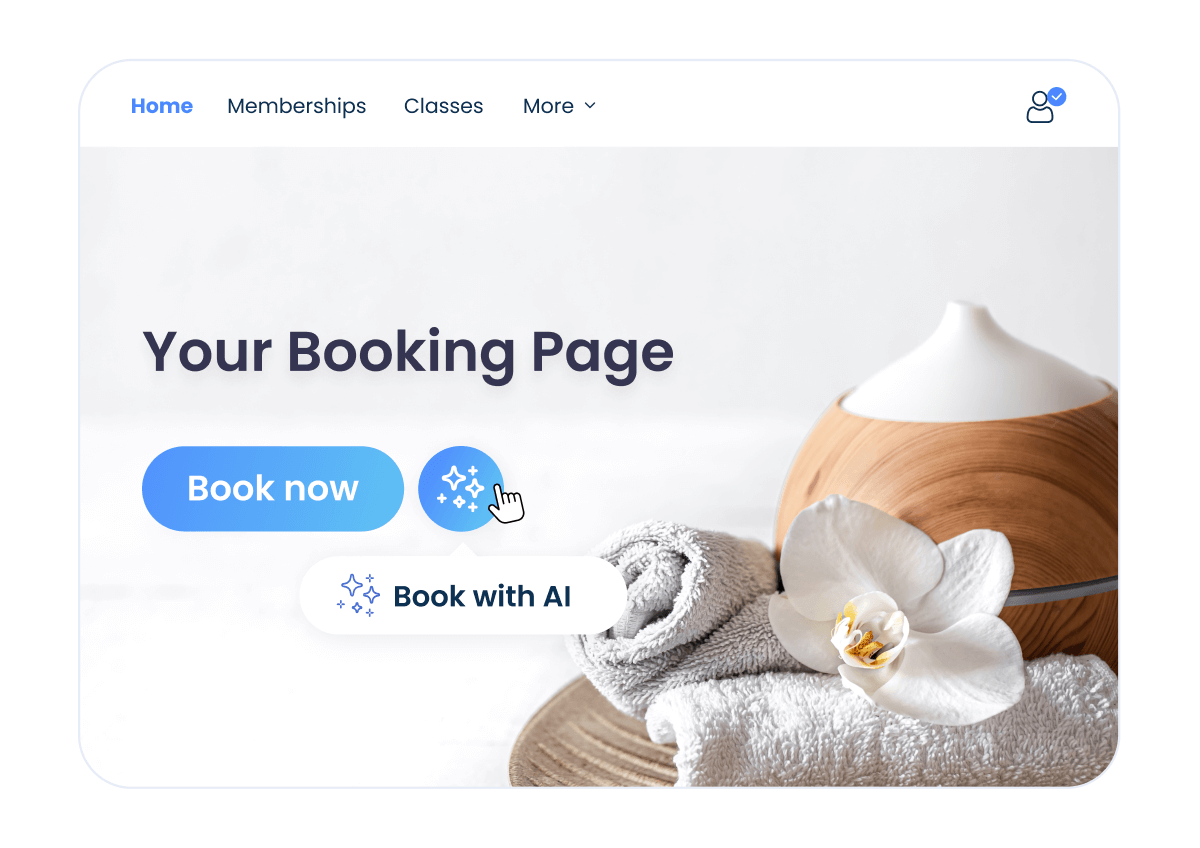
Aktivera enkelt AI Voice Booking-funktionen på några minuter. Den fungerar med dina befintliga SimplyBook.me-tjänster, regler, påminnelser och kalendersynk, så du behåller din inställning precis som den är och lägger till en snabbare bokningsväg.
Integritet i fokus
Vi prioriterar din integritet. Röst bearbetas säkert med branschstandardkryptering av vår betrodda AI-partner, OpenAI. Din röst spelas aldrig in – endast text används för att slutföra din bokning. All behandling följer GDPR. Läs mer i vår integritetspolicy.


AI Voice Booking i sociala medier
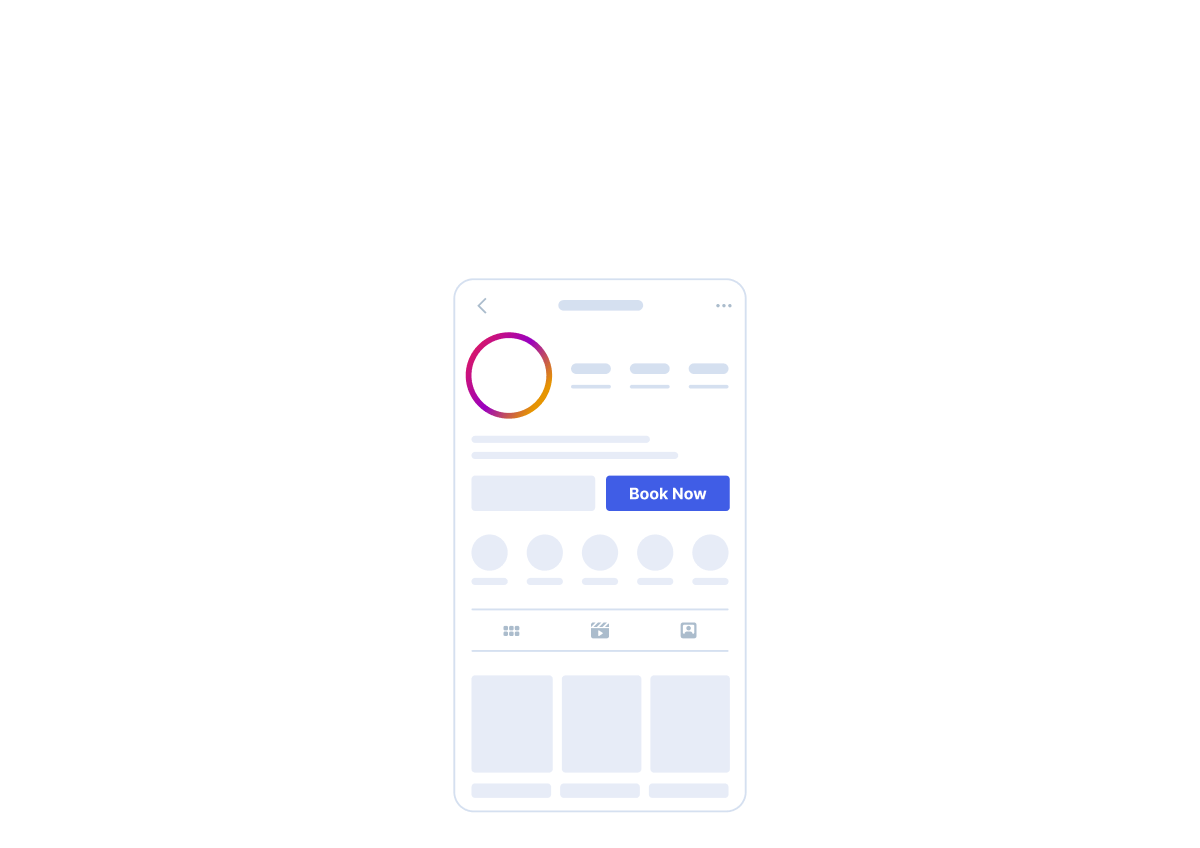
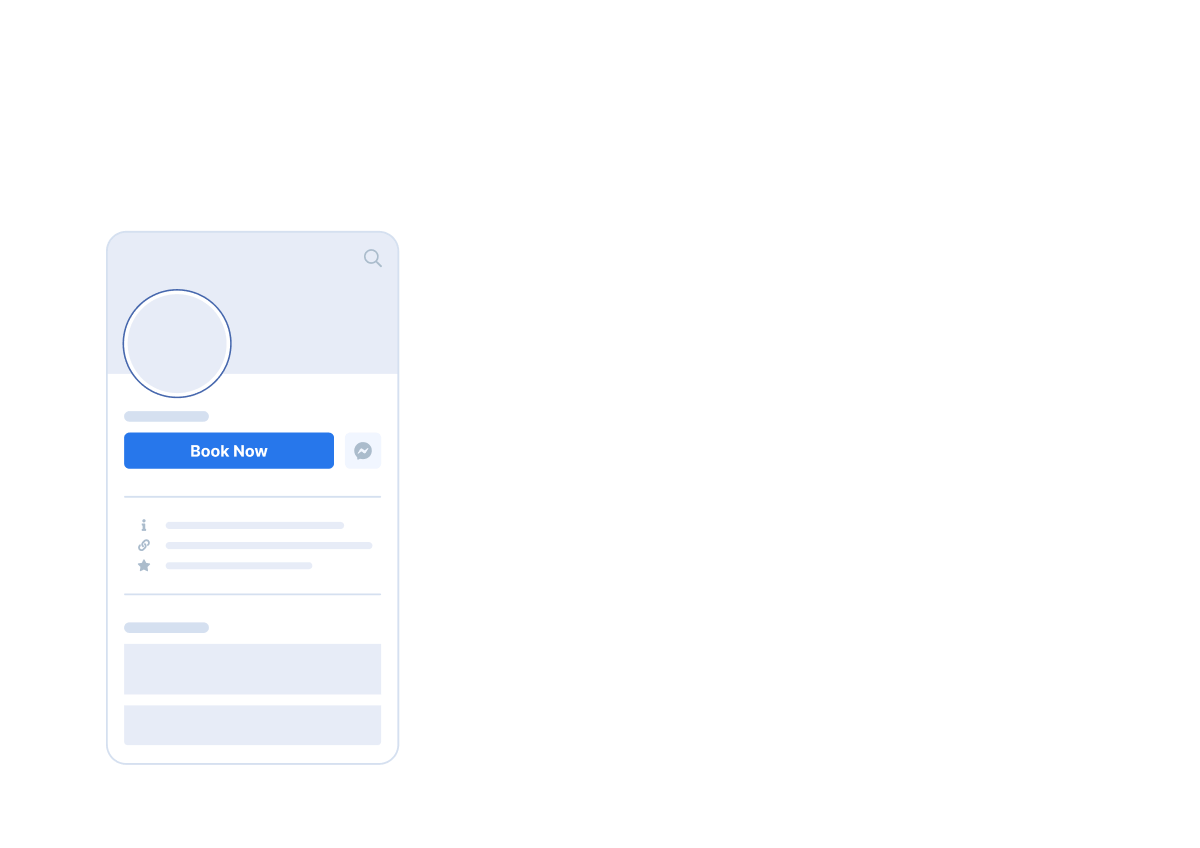
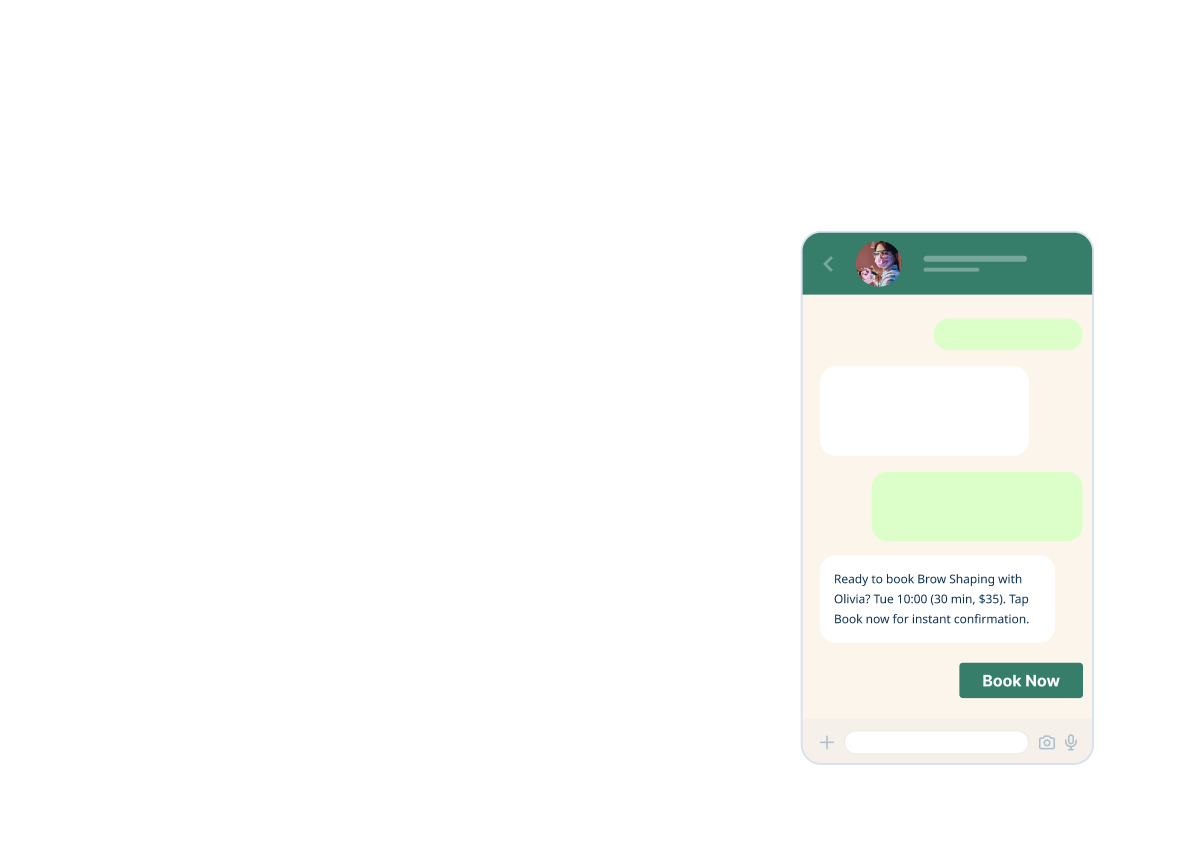
Dina kunder kan starta den röstbaserade bokningsprocessen direkt från dina professionella profiler på Facebook, Instagram och WhatsApp. Det gör bokning snabbare, mer tillgänglig och alltid tillgänglig. Kunder kan också ringa ditt WhatsApp Business-nummer och guidas direkt in i bokningsflödet, vilket låter ditt företag hantera samtal som en receptionist dygnet runt.

Så fungerar det
01. Aktivera funktionen
Gå till Custom Features, öppna AI Voice Booking och aktivera det med ett klick.
02. Lägg till krediter
Fyll på ditt saldo när som helst under Plans and Prices → Additional Items → AI Credits Pack så att assistenten alltid är tillgänglig.
03. Se det live
Klicka på den gröna knappen My Booking Channels i det övre högra hörnet och gå sedan till My Booking Website för att se AI Voice Booking-widgeten på din sida.
04. Börja samla in bokningar
Besökarna kan tala eller skriva vad de behöver, assistenten föreslår de bästa tillgängliga tiderna och bokningarna bekräftas på sekunder.
01. Aktivera funktionen
Gå till Custom Features, öppna AI Voice Booking och aktivera det med ett klick.
02. Lägg till krediter
Köp krediter när som helst under Plans and Prices → Additional Items → AI Credits Pack, eftersom widgeten kräver krediter för att fungera.
03. Justera widgetinställningar
Klicka på knappen "Widget Settings" längst upp till höger i AI Voice Booking-funktionsinställningarna för att anpassa färger och förhandsgranska assistenten före inbäddning.
04. Generera din widgetkod
Klicka på Save & Get Widget Code i det övre högra hörnet. Ett popup-fönster visas – klicka på kopieringsikonen för att kopiera skriptet.
05. Bädda in det på din webbplats
Klistra in skriptet i din webbplats sideditor. Widgeten fungerar med de flesta stora webbplatsbyggare och CMS-plattformar.
06. Börja samla in bokningar
Besökarna kan tala eller skriva vad de behöver, assistenten föreslår de bästa tillgängliga tiderna och bokningarna bekräftas på sekunder.
Språk som stöds
Stöd för 50+ språk, inklusive engelska, grekiska, franska, tyska, spanska, italienska, portugisiska, holländska, svenska, norska, danska, finska, polska, turkiska, arabiska, hebreiska, hindi, japanska, koreanska, kinesiska, ukrainska, vietnamesiska och många fler.



Redo att omvandla samtal till bokningar med AI Voice Booking?
Låt en AI-bokningsassistent ta hand om resten