Accept Payments Seamlessly with SimplyBook.me + HitPay
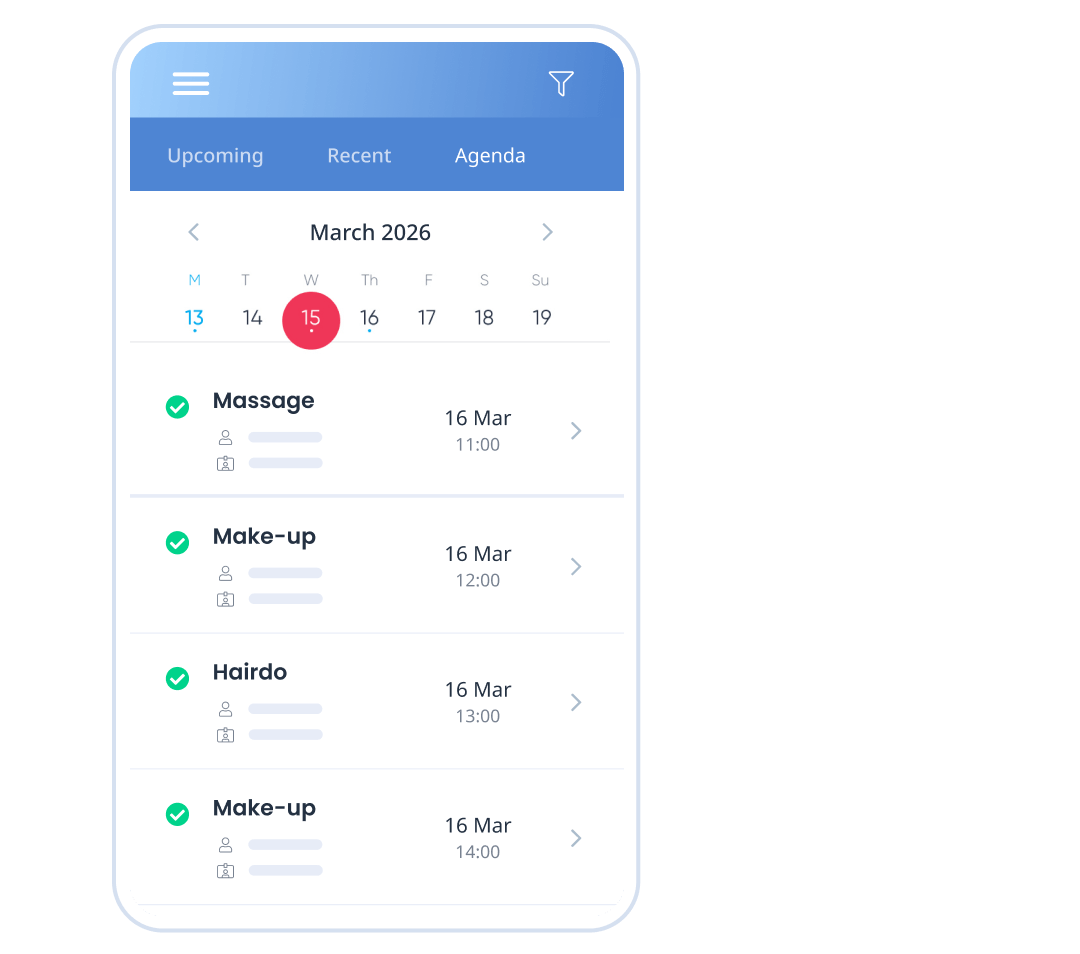
Uma experiência integrada de reservas e pagamentos, criada para negócios de serviços na Ásia-Pacífico. Ofereça métodos de pagamento locais, taxas transparentes e um checkout tranquilo, tudo conectado diretamente ao seu sistema de reservas. Com a HitPay integrada ao SimplyBook.me, você pode aceitar pagamentos online durante o processo de reserva, usando ferramentas seguras e intuitivas criadas para varejo, saúde, beleza, educação e serviços profissionais em toda a Ásia-Pacífico.
O que é a HitPay?
A HitPay é uma plataforma de pagamentos moderna, criada para negócios que atuam na Ásia-Pacífico. Ela aceita uma ampla variedade de métodos de pagamento locais e regionais, com preços claros e prazos de liquidação rápidos.
Com a integração SimplyBook.me + HitPay, os pagamentos são coletados diretamente como parte do processo de reserva, além de dar acesso a links de pagamento, faturas e ferramentas de pagamento omnichannel, tudo gerenciado em um único painel.
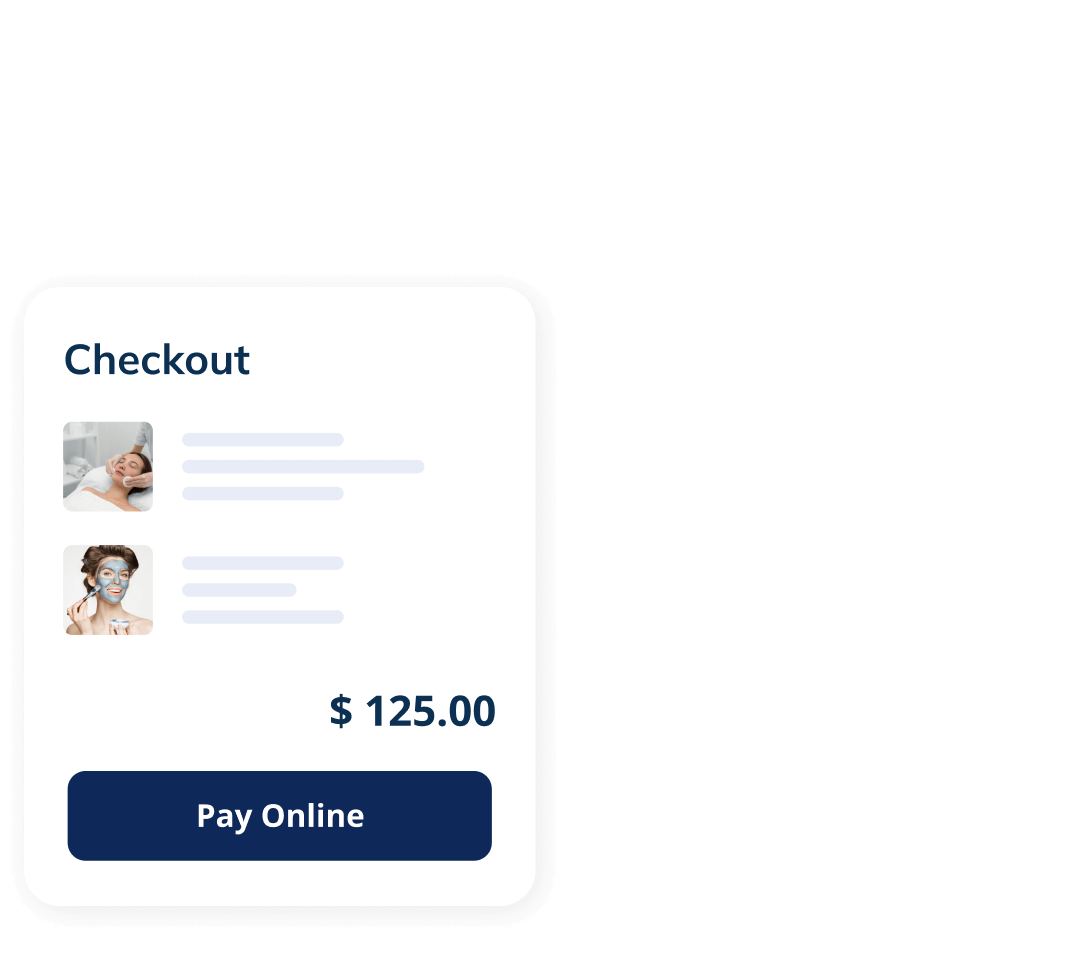

Por que os negócios escolhem a HitPay com o SimplyBook.me
Quick activation, no development required
Enable HitPay directly from your SimplyBook.me payment settings and start accepting payments fast.
A checkout experience clients trust
Secure, familiar payment flows help increase conversion and reduce drop-offs.
Clear and transparent fees
Straightforward pricing with no hidden charges or monthly commitments.
Fully embedded into your booking flow
Payments happen naturally as part of the booking process, without extra steps for clients.
Designed for Service Businesses
Whether you run a salon, gym, clinic, or consulting firm – this integration gives you the flexibility to scale with confidence.
Mais Flexibilidade para os Seus Clientes
Com a HitPay + SimplyBook.me, você pode:
- Ofereça opções de pagamento antecipado ou posterior
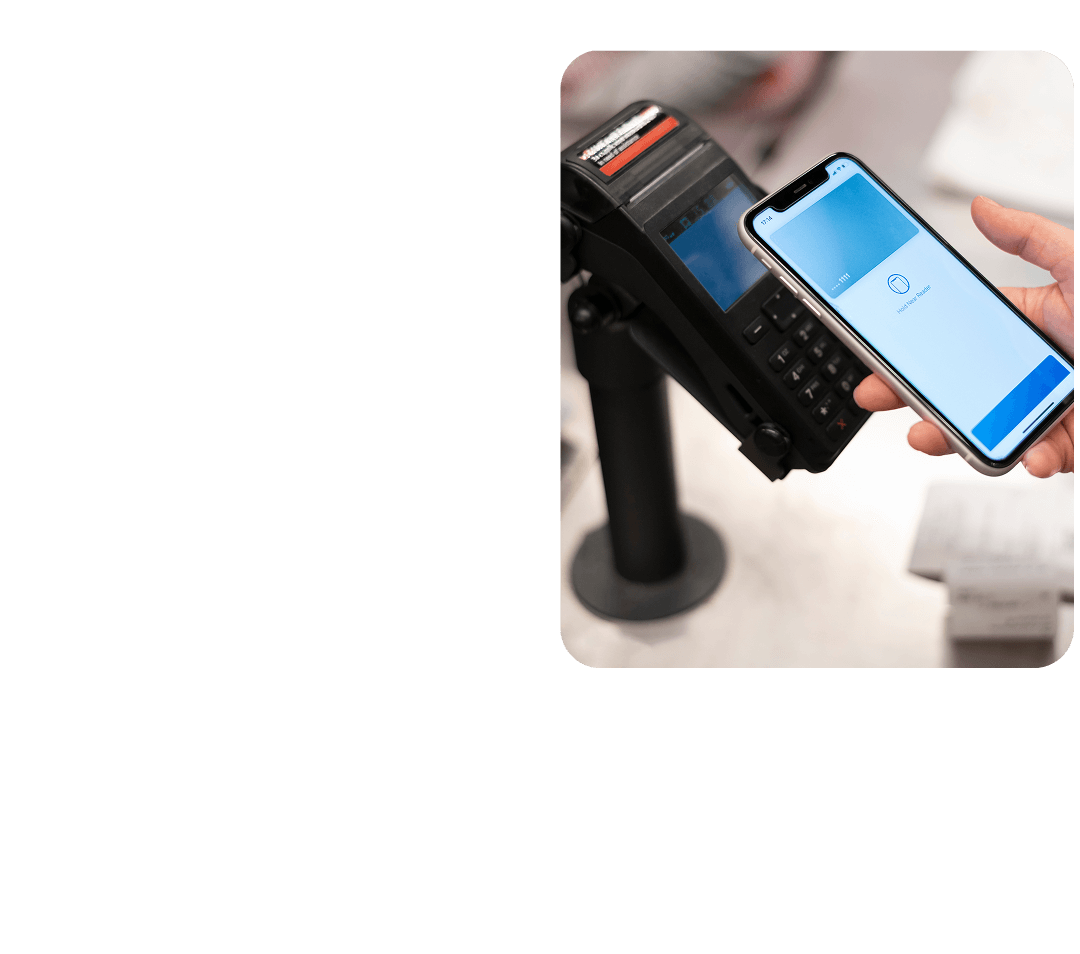
- Aceite pagamentos presenciais e online
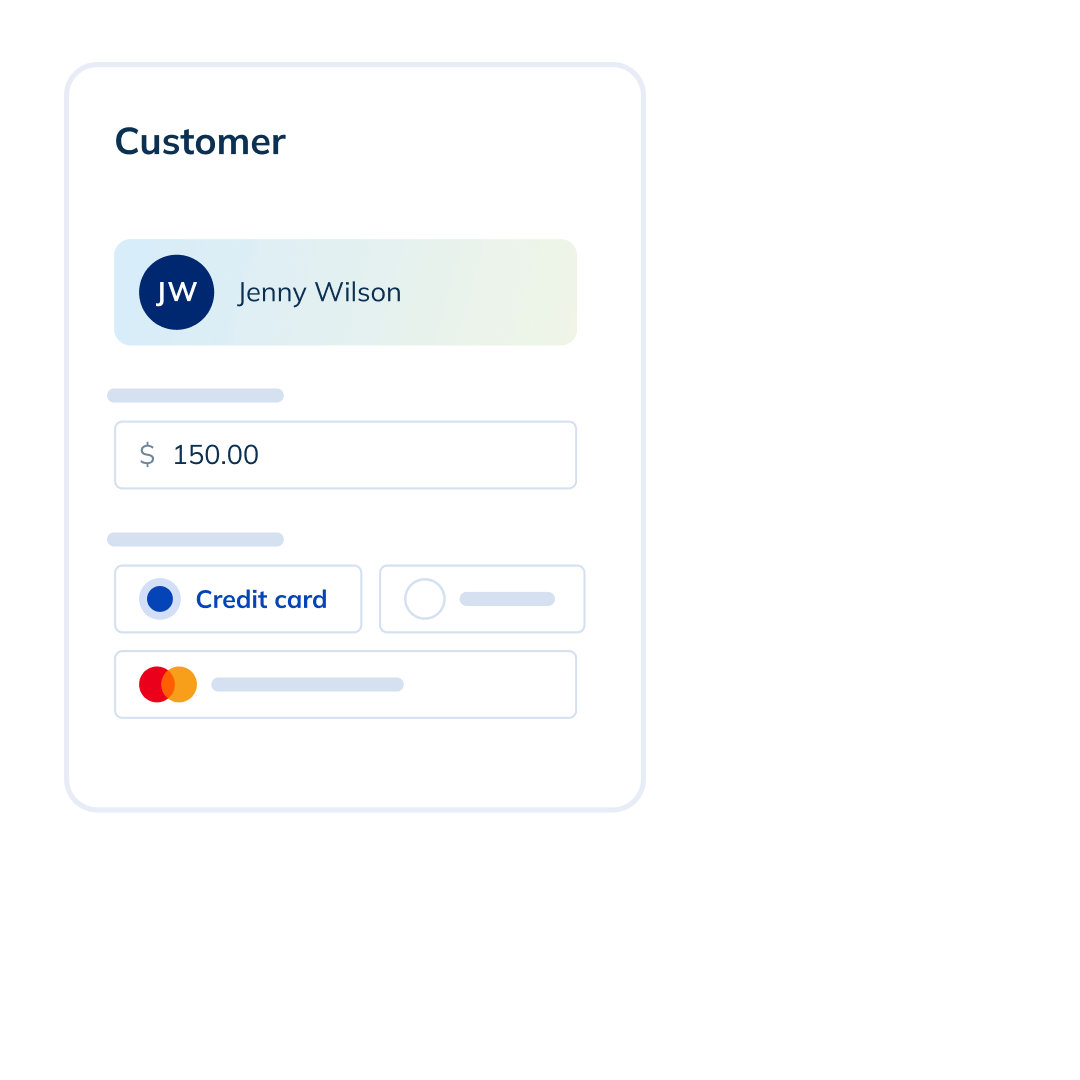
- Acompanhe pagamentos em várias unidades
- Obtenha relatórios em tempo real sobre sua receita
Como Funciona
01. Activate the Accept Payments Feature
- Ative o Accept Payments na sua conta do SimplyBook.me.
- Abra o SBPay.me pelas suas configurações ou pelo menu de navegação lateral.
- Você será redirecionado para o portal de comerciantes do SBPay.me.
- Localize a HitPay na lista de provedores de pagamento e clique em Ativar.
02. Create or connect your HitPay account
Click on the link and complete the onboarding process. If you already have a HitPay account, complete the connection. If not, follow the account setup steps below
03. Start accepting payments
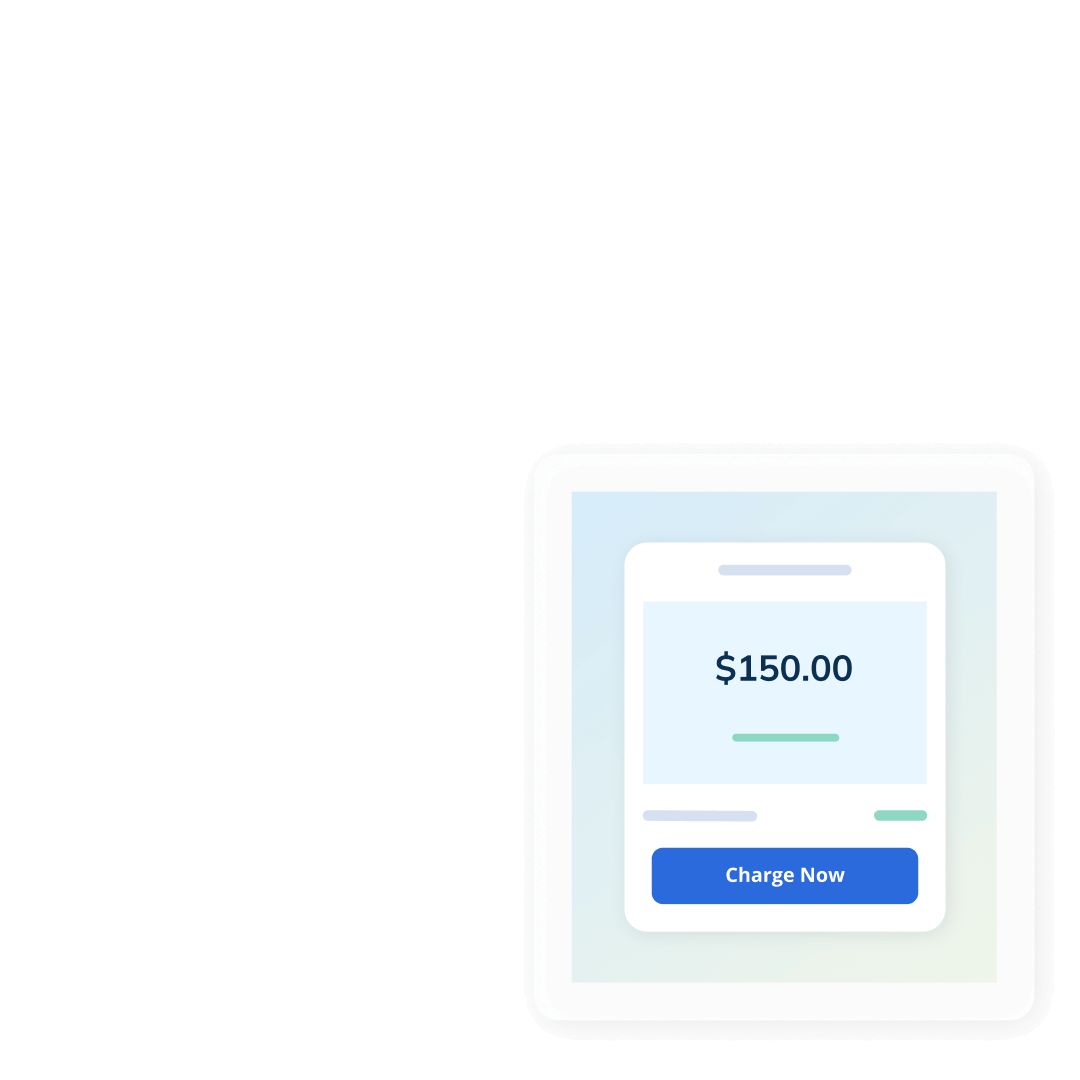
Clients can now pay when they book—online or at your physical location.
A HitPay é uma forte parceira de pagamentos
- Construído com segurança e conformidade A HitPay segue práticas de segurança em conformidade com os padrões do setor e trabalha com parceiros regulamentados em toda a Ásia-Pacífico, garantindo que os pagamentos sejam processados com segurança e confiabilidade para negócios e clientes.
- Preços que você entende As taxas de pagamento são exibidas com clareza por país e método de pagamento, sem taxas de configuração ou assinaturas recorrentes.
- Uma única plataforma para gerenciar seus pagamentos Aceite pagamentos de reservas online, pagamentos por QR code na loja, links de pagamento e faturas a partir de um único painel, reduzindo a necessidade de gerenciar várias ferramentas e economizando tempo.