Online Booking for Coaches, Consultants, and Professional Services

Online Booking for Coaches, Consultants, and Professional Services Coaches and consultants sell time. Every hour that goes unbilled, unbooked, or wasted on a no-show is revenue that does not come back. And unlike product businesses, you cannot make up a missed hour by working faster tomorrow....

Online Booking for Coaches, Consultants, and Professional Services

Online Booking for Coaches, Consultants, and Professional Services

Coaches and consultants sell time. Every hour that goes unbilled, unbooked, or wasted on a no-show is revenue that does not come back. And unlike product businesses, you cannot make up a missed hour by working faster tomorrow.

Online booking for professional services looks different from booking in a salon or gym. You are typically dealing with one-on-one sessions, varying session lengths, discovery calls that may or may not convert, international clients across time zones, and the constant dance of "let me check my calendar and get back to you" that eats hours every week.

This guide covers how to set up and optimize online booking specifically for coaches, consultants, financial advisors, therapists, tutors, and other professional service providers.

Why Consultants Lose Clients to Scheduling Friction

The consulting and coaching world has a hidden conversion problem: the gap between "I want to work with you" and "I have a session booked."

When a potential client visits your website and decides to reach out, the traditional flow is: they send an inquiry email, you reply with your availability, they reply with their preference, you confirm, they get a calendar invite. This back-and-forth takes 3 to 7 days. During that time, the client's motivation fades, they find another provider, or they simply get busy and forget to reply.

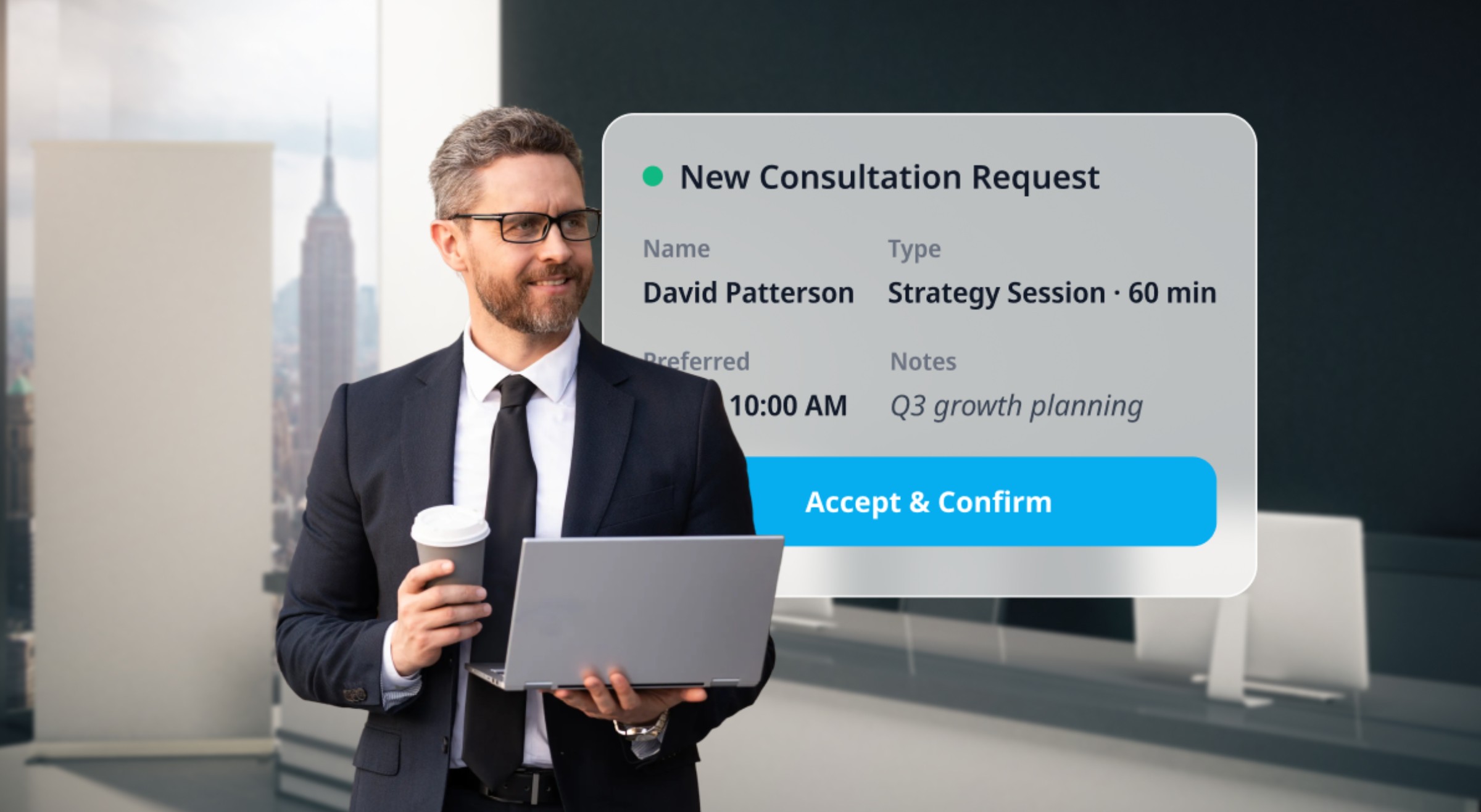
Online booking compresses this to under 2 minutes. The client clicks "Book a Discovery Call," sees your real-time availability, picks a slot, and receives instant confirmation. No waiting, no email tennis, no lost leads.

For professional service providers who depend on a steady pipeline of new clients, this reduction in booking friction directly increases conversion rates.

Setting Up Services: Sessions, Calls, and Packages

Professional services typically offer a mix of session types. Here is how to structure them in your booking system.

Discovery call or initial consultation. This is the most important booking type because it is your sales pipeline entry point. Keep it short (15 to 30 minutes), make it free or low-cost, and ensure it is the most prominent service on your booking page. Label it clearly: "Free 20-Minute Discovery Call" or "Initial Consultation (30 min, $50)."

Standard sessions. Your core service: a 60-minute coaching session, a 90-minute strategy consultation, a 50-minute therapy session. Create separate listings for different session lengths with appropriate pricing.

Package sessions. Coaches and consultants often sell in bundles: 6-session coaching package, 3-month advisory engagement, 10-session therapy plan. Configure these as packages in your booking system so clients can purchase upfront and book individual sessions against their package credits.

Follow-up sessions. Shorter check-in sessions (15 to 30 minutes) between main sessions. These should be bookable with a clear label that distinguishes them from full sessions.

Group sessions or workshops. If you offer group coaching, masterclasses, or webinars, set these up as capacity-limited events with registration.

Handling Time Zones

If you work with clients in different time zones, timezone management is one of the most important features in your booking system.

Automatic timezone detection. The booking page should detect the client's timezone and display your availability in their local time. A client in London booking with a coach in New York should see available slots in GMT, not EST.

Timezone display on confirmations. Every confirmation email and calendar invite should explicitly state the timezone. "Thursday, July 14 at 2:00 PM EST" prevents the confusion that comes from a bare "2:00 PM" when the parties are in different timezones.

Buffer between sessions for timezone mistakes. If you work across multiple timezones, add 15 to 30 minutes of buffer between sessions to account for any timezone confusion that causes a client to arrive early or a session to run long.

Limit your booking hours. If you are in PST and work with European clients, you may need early morning availability. But do not make your entire day bookable, or a client in Singapore might book you at 3am your time. Set your available hours to reflect the window you are actually willing to take calls.

Virtual Meeting Integration

Most professional service appointments happen over video. Your booking system should generate and deliver the meeting link automatically.

Automatic meeting link generation. When a client books a session, the system should create a Zoom, Google Meet, or Microsoft Teams link and include it in the confirmation email and calendar invite. The client should never need to ask "where do I join?"

Calendar sync. Two-way sync between your booking system and Google Calendar or Outlook ensures your personal commitments block out booking availability and vice versa. Without this, double-bookings are inevitable.

No-show follow-up for virtual sessions. Virtual no-shows feel different from in-person ones, but they cost the same. If a client does not join the video call within 10 minutes, send an automated "We missed you" email with a reschedule link.

Pricing and Payment for Professional Services

Professional services pricing is straightforward but has specific dynamics worth addressing.

Display your prices. Some consultants hide pricing to force a discovery call first. This works for high-ticket services ($500+ per session) where pricing is customized. For standard-priced sessions ($100 to $300), displaying the price on the booking page increases conversions because it eliminates the "can I afford this?" uncertainty.

Require prepayment for sessions. This is standard practice in coaching and consulting. The client pays for the session when they book. Full prepayment eliminates no-shows almost entirely for paid sessions.

Offer free discovery calls carefully. Free discovery calls are the industry standard for converting leads, but they have the highest no-show rates. Strategies to reduce discovery call no-shows: require a card on file (charged only for no-shows), send an extra pre-call reminder, keep the call short (15 to 20 minutes) so clients view it as a quick commitment, and send a brief pre-call email asking "What would you most like to get out of our call?" (a response confirms engagement).

Sell packages with a discount. A 6-session coaching package at 10% off the per-session rate creates commitment, improves retention, and generates upfront revenue. The booking system should track remaining sessions automatically.

Invoice for corporate clients. If you work with corporate clients who require invoicing rather than credit card payment, configure your system to allow booking without immediate payment and send invoices separately. Most booking platforms support this as an alternative payment flow.

Building Your Professional Booking Page

Professional service providers need a booking page that conveys expertise and trust, not just availability.

Professional headshot and bio. Your booking page should include a high-quality photo and a concise bio that establishes credibility. "Sarah Chen, MBA. 15 years in supply chain strategy. Formerly at McKinsey." This is not vanity. First-time clients are buying your expertise, and they need to see it before they commit.

Testimonials or credentials. If your booking platform supports it, display client testimonials (with written consent) or professional credentials (ICF certification, industry awards, published work) near the booking section.

Clear session descriptions. For each session type, explain what the client will get. "60-Minute Strategy Session: We will review your current business model, identify growth bottlenecks, and create an action plan for the next quarter." Specific outcomes reduce no-shows because the client has clear expectations.

A prominent discovery call CTA. Make the discovery call the most visible option. It is your primary lead capture mechanism. Place it above your paid session listings.

Frequently Asked Questions

What is the best booking tool for consultants and coaches?

For solo consultants and coaches, the best tool supports one-on-one session booking, timezone auto-detection, video meeting integration (Zoom/Google Meet), package sales, automated reminders, and payment collection at booking. SimplyBook.me and Calendly both serve this market, with SimplyBook.me offering more features on its free plan (unlimited services, intake forms, multi-gateway payments) and Calendly offering a simpler interface for single-event scheduling.

How do I reduce no-shows for free discovery calls?

Require a card on file when booking (charged only for no-shows). Send a pre-call email asking the client to share their goals for the call (this confirms engagement). Keep discovery calls short (15 to 20 minutes). Send an SMS reminder 2 hours before the call. These strategies reduce free call no-shows by 40% to 60%.

Should I display my consulting prices on the booking page?

For standard-priced sessions ($100 to $300), yes. Transparent pricing increases booking conversion. For premium or custom-priced engagements ($500+), it may be more effective to show "Starting from $X" or route to a discovery call for pricing discussion.

How do I handle clients in different time zones?

Use a booking system that auto-detects the client's timezone and shows your availability in their local time. Include the timezone explicitly in every confirmation and reminder. Add buffer time between sessions to account for any confusion.

Can I sell session packages through my booking system?

Yes. Most booking platforms let you create session packages (e.g., "6-Session Coaching Package") that clients purchase upfront. The system tracks remaining sessions and clients book individual sessions against their balance.

How do I integrate Zoom or Google Meet with my booking system?

Most modern booking platforms offer direct integration. When configured, the system automatically generates a unique meeting link for each booking and includes it in the confirmation email and calendar invite. No manual link creation needed.

Unlock exclusive content

Get booking tips, product updates, and inspiring stories to help you grow your service business — straight to your inbox