Online Booking for Personal Trainers, Gyms, and Fitness Studios

Online Booking for Personal Trainers, Gyms, and Fitness Studios Fitness businesses have a scheduling problem that is different from most service industries. You are not just managing one-on-one appointments. You are managing group classes with capacity limits, personal training sessions with...

Online Booking for Personal Trainers, Gyms, and Fitness Studios

Online Booking for Personal Trainers, Gyms, and Fitness Studios

Fitness businesses have a scheduling problem that is different from most service industries. You are not just managing one-on-one appointments. You are managing group classes with capacity limits, personal training sessions with specific trainers, recurring memberships, drop-in visits, trial sessions, and cancellation policies that need to account for the fact that someone might cancel a 6am class at 5:55am.

The right booking system handles all of this without turning your front desk into an air traffic control center. This guide covers how to set up online booking for fitness businesses, from personal trainers and boutique studios to multi-purpose gyms.

What Makes Fitness Booking Different

Fitness scheduling has several unique requirements.

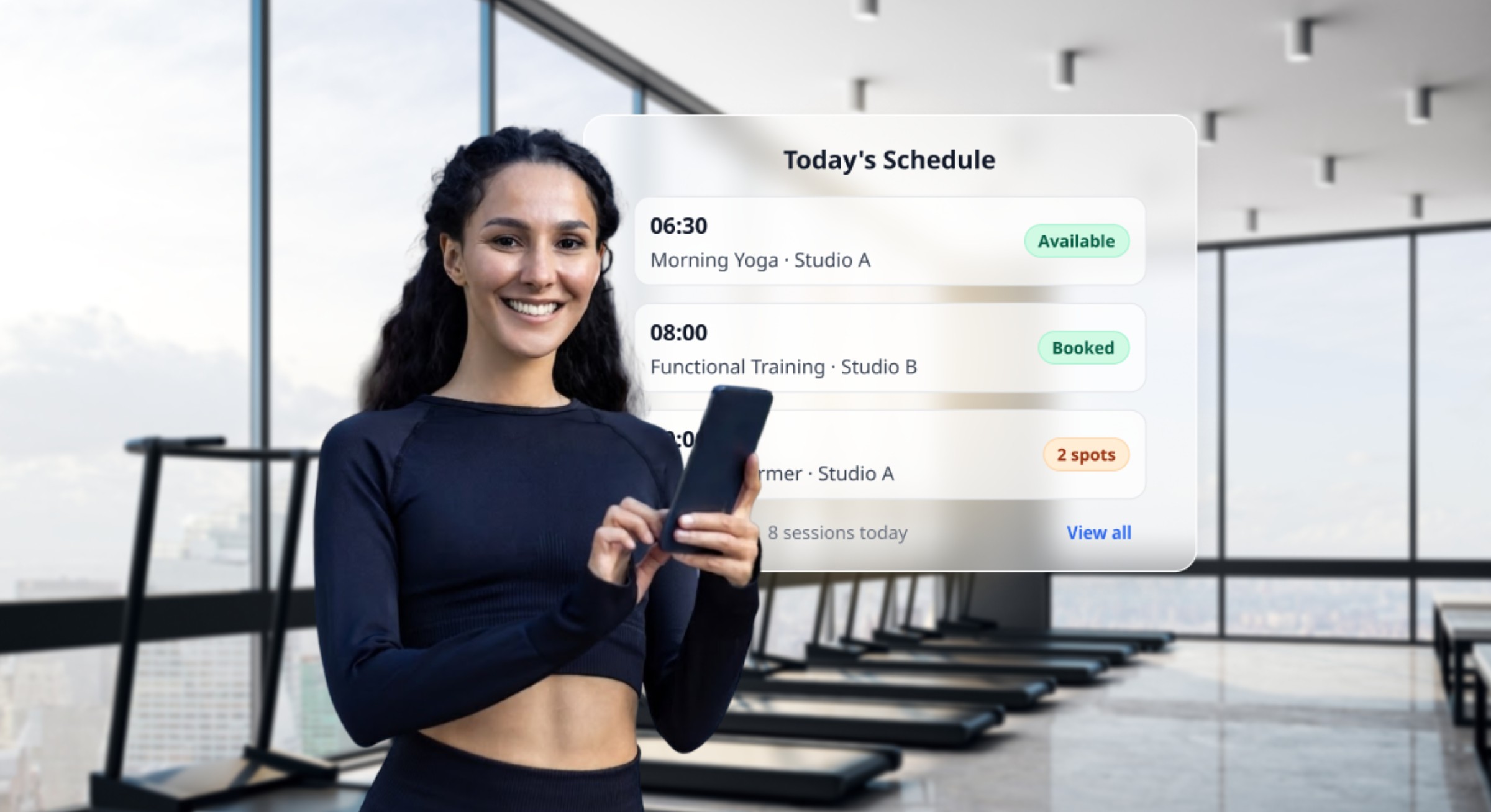
Class booking with capacity limits. A yoga class has 20 mats. A spin class has 30 bikes. A bootcamp has 15 spots. Your booking system needs to enforce these limits automatically and show real-time availability. When a class fills up, it should close to new bookings and offer a waitlist.

Recurring sessions. Many fitness clients book the same class or PT session every week. A system that supports recurring bookings saves clients from rebooking manually each time and guarantees their spot.

Mixed booking types. A single fitness business might offer one-on-one PT sessions (individual appointments), group classes (capacity-limited events), open gym access (membership-based), and workshops or events (one-time with registration). The booking system needs to handle all these formats.

High no-show rates for low-cost sessions. Free trial classes and low-cost introductory offers see no-show rates of 25% to 40%. When someone has nothing financially at stake, attendance becomes optional. This is the biggest scheduling challenge in fitness.

Last-minute cancellations. Fitness cancellations often happen in the final hour before a class. A 6am class gets cancellations at 5:30am. Your system needs to handle this with automatic waitlist notifications so the slot can be filled in minutes.

Setting Up Your Fitness Booking System

Step 1: Define your booking types. Separate your offerings into individual sessions (PT, nutrition consultation, body assessment) and group sessions (classes, workshops). Configure them differently: individual sessions need provider assignment and one-on-one scheduling. Group sessions need capacity limits and waitlists.

Step 2: Set up class schedules. For recurring classes, create a weekly timetable. Monday 7am Spin, Tuesday 6pm Yoga, Wednesday 12pm HIIT. Set the instructor, capacity, location (room or studio), and duration for each class. The booking system should generate these as recurring events.

Step 3: Configure PT and individual session booking. Set up each trainer as a provider with their own availability, services (session types and durations), and pricing. Let clients browse available trainers and book directly with their preferred PT.

Step 4: Enable waitlists for popular classes. When a class fills up, the waitlist should automatically notify the next person if a spot opens. Set a short notification window (30 to 60 minutes) so waitlisted clients can confirm quickly before the class starts.

Step 5: Set capacity and overbooking rules. Some studios overbook classes by 10% to 15% to account for expected no-shows. If your no-show rate for a specific class is consistently 15%, allowing 2 to 3 extra bookings on a 20-person class ensures you fill all spots most of the time. Monitor this carefully to avoid overcrowding.

Step 6: Connect payment and membership systems. Members should be able to book classes as part of their membership. Non-members or drop-in clients should see per-class pricing. Configure your booking system to recognize membership types and apply the correct pricing or access rules.

Reducing No-Shows in Fitness

No-shows are the bane of fitness businesses, especially for free and low-cost sessions.

Require prepayment for classes. This is the single most effective strategy. When clients have paid for a class, no-show rates drop from 25%+ to under 5%. Offer class packs (10-class cards) at a discount to incentivize prepayment without per-class friction.

Enforce cancellation deadlines. Set a cancellation cutoff (typically 2 to 12 hours before class) after which the client forfeits their spot and payment. Communicate this clearly: "Cancel at least 4 hours before class for a full credit. Late cancellations and no-shows forfeit the class."

Use a strict waitlist model. When a class is full, the waitlist creates urgency and ensures that canceled spots are immediately offered to someone who wants them. Clients on the waitlist are highly motivated to attend because they actively sought a spot.

Send SMS reminders. A text message 2 to 3 hours before a morning class and 4 to 6 hours before an evening class gives clients enough time to cancel if they cannot make it, while still being close enough to the class to keep it top of mind.

Track and flag chronic no-showers. After 3 no-shows in a month, consider requiring prepayment for all future bookings or restricting the client to last-minute booking only (reducing the time they have to change their mind).

Personal Trainer Booking Best Practices

PT scheduling has its own dynamics separate from group class booking.

Let clients book directly with their preferred trainer. PT relationships are personal. Clients want to choose their trainer, not be randomly assigned. Show trainer profiles with photos, specialties, and availability.

Offer session packages. Sell 5-session, 10-session, or 20-session packages at a decreasing per-session rate. Packages create commitment, improve retention, and generate upfront revenue. The booking system should track remaining sessions in the package automatically.

Enable recurring appointments. A client who trains every Tuesday and Thursday at 7am should be able to set this as a recurring booking. This reduces administrative overhead and guarantees the client's preferred slots.

Set minimum booking notice. Require at least 4 to 12 hours of advance notice for PT bookings. This prevents last-minute bookings that trainers cannot prepare for and reduces no-shows from impulsive bookings.

Protect trainer schedules. Buffer time between sessions (15 to 30 minutes) prevents trainers from being booked back-to-back without rest or cleanup time. This protects trainer wellbeing and session quality.

Memberships, Packages, and Pricing

Fitness businesses have more complex pricing than most service industries. Your booking system needs to handle it.

Membership tiers. A basic membership might include unlimited open gym access and 4 class bookings per month. A premium membership might include unlimited classes and 2 PT sessions. Configure your booking system to enforce these entitlements automatically.

Class packs. Sell bundles of class credits (5-class pack, 10-class pack) that clients can redeem when booking. This is ideal for clients who attend regularly but do not want a monthly commitment.

Drop-in pricing. Non-members and occasional visitors should be able to book and pay for individual classes at a per-class rate. The booking system should display drop-in pricing for clients who are not logged in as members.

Introductory offers. "First class free" or "3 classes for $30" promotions drive new client acquisition. Configure these as distinct offers in your booking system with automatic expiration. Require at least a card on file for free trials to reduce no-shows.

Automatic renewal and billing. If your booking platform integrates with your membership billing, clients can manage their membership and their bookings in one place. This reduces churn because the booking experience and the payment experience are seamless.

Filling Empty Spots: Promotions and Last-Minute Deals

Empty class spots in the final hours before a session are lost forever once the class starts. Use your booking system to fill them.

Last-minute discounts. Offer a reduced rate for spots booked within the final 2 to 4 hours before class. "Today's 5pm HIIT has 3 spots left at 50% off" sent via push notification or SMS to your client list fills spots that would otherwise go empty.

Waitlist notifications. When cancellations open spots, the waitlist fills them. A well-managed waitlist consistently recovers 60% to 80% of canceled class spots.

Social media flash posts. "3 spots just opened up for tonight's 7pm yoga. Book now: [link]" posted on Instagram Stories creates urgency and fills gaps.

Frequently Asked Questions

What is the best booking system for a fitness studio?

The best fitness booking system handles both individual sessions (PT) and group classes with capacity limits, supports waitlists, integrates with membership and payment systems, sends automated reminders, and allows recurring bookings. SimplyBook.me, Mindbody, and Glofox all serve the fitness market with different strengths.

How do I reduce no-shows for fitness classes?

Require prepayment or class pack credits for booking. Set a cancellation deadline (2 to 12 hours before class) with forfeiture for late cancellations. Send SMS reminders 2 to 4 hours before class. Use waitlists to fill canceled spots. Prepayment alone reduces class no-shows from 25%+ to under 5%.

Should I charge for fitness class no-shows?

Yes. The most effective approach is to charge at booking (via class packs or per-class payment) and forfeit the credit for no-shows and late cancellations. This is cleaner than charging a separate no-show fee after the fact.

How do I handle free trial classes with high no-show rates?

Require a card on file when booking free trials. Charge nothing upfront, but make it clear that a no-show fee (typically $10 to $20) will apply if the client does not attend or cancel within the deadline. This reduces free trial no-shows by 50% or more.

Can I manage PT sessions and group classes in the same booking system?

Yes. Most modern fitness booking platforms support both individual appointment booking (for PT sessions) and group event booking (for classes) within the same system. Configure them as separate booking types with different rules.

How do I sell class packs and memberships online?

Use your booking platform's packages or membership feature to create class credit bundles and subscription plans. Clients purchase online and the system automatically applies credits when they book classes. SimplyBook.me supports packages, memberships, and gift cards.

Unlock exclusive content

Get booking tips, product updates, and inspiring stories to help you grow your service business — straight to your inbox