Accept Payments Seamlessly with SimplyBook.me + HitPay
为亚太地区服务型商家打造的一体化预约与支付体验。提供本地支付方式、透明费用及流畅的结账流程,全部与您的预约系统直接对接。将 HitPay 集成到 SimplyBook.me 后,您可以在预约过程中使用安全直观的工具在线收款,适用于亚太地区的零售、健康、美容、教育及专业服务行业。

什么是 HitPay?
HitPay 是专为亚太地区商家打造的现代支付平台,支持多种本地及区域支付方式,定价清晰,结算迅速。
通过 SimplyBook.me 与 HitPay 的集成,付款可直接在预约流程中完成,同时您还能使用支付链接、发票和全渠道支付工具,全部集中在一个仪表盘中管理。

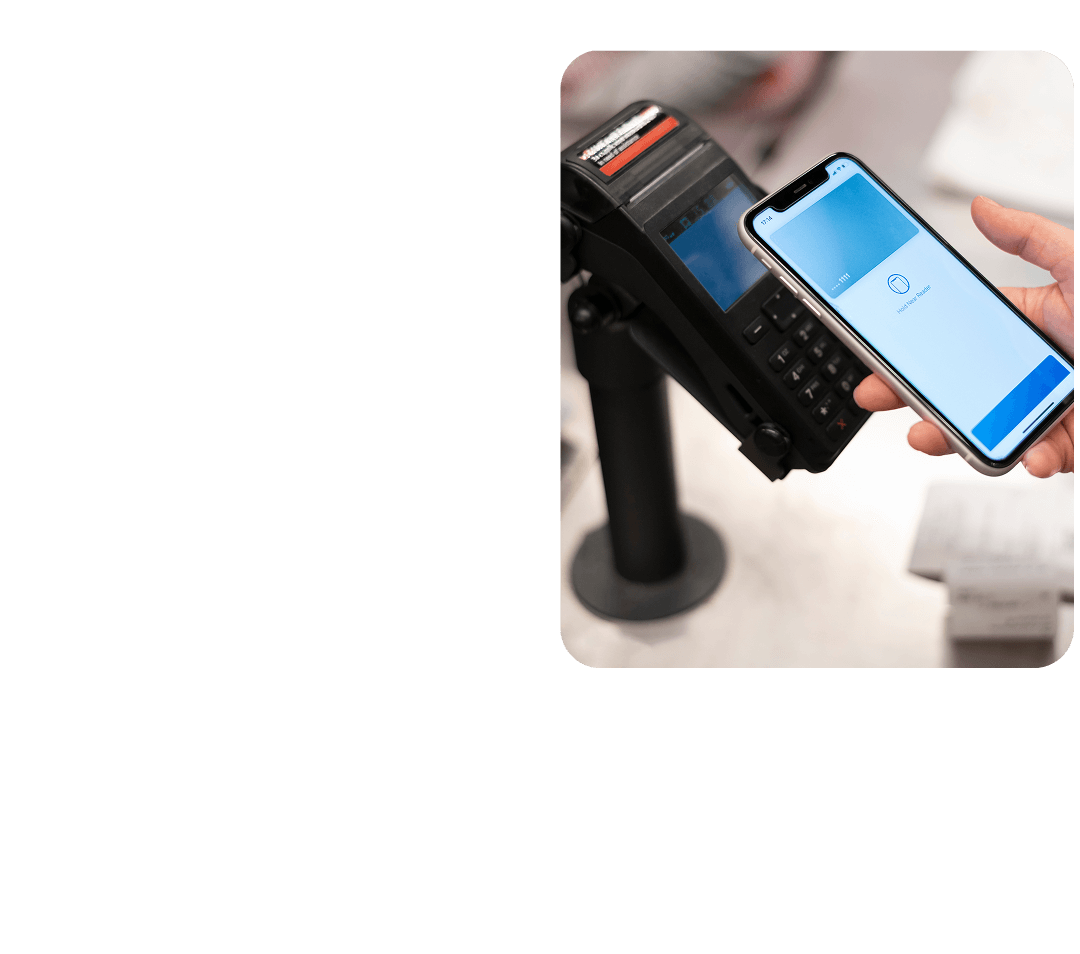
商家为何选择 HitPay 与 SimplyBook.me 搭配使用
Quick activation, no development required
Enable HitPay directly from your SimplyBook.me payment settings and start accepting payments fast.
A checkout experience clients trust
Secure, familiar payment flows help increase conversion and reduce drop-offs.
Clear and transparent fees
Straightforward pricing with no hidden charges or monthly commitments.
Fully embedded into your booking flow
Payments happen naturally as part of the booking process, without extra steps for clients.
Designed for Service Businesses
Whether you run a salon, gym, clinic, or consulting firm – this integration gives you the flexibility to scale with confidence.
为您的客户提供更多灵活性
通过 HitPay + SimplyBook.me,您可以:
- 提供预付或后付选项
- 接受线下和在线支付
- 跨门店追踪付款情况
- 获取实时的营收报告
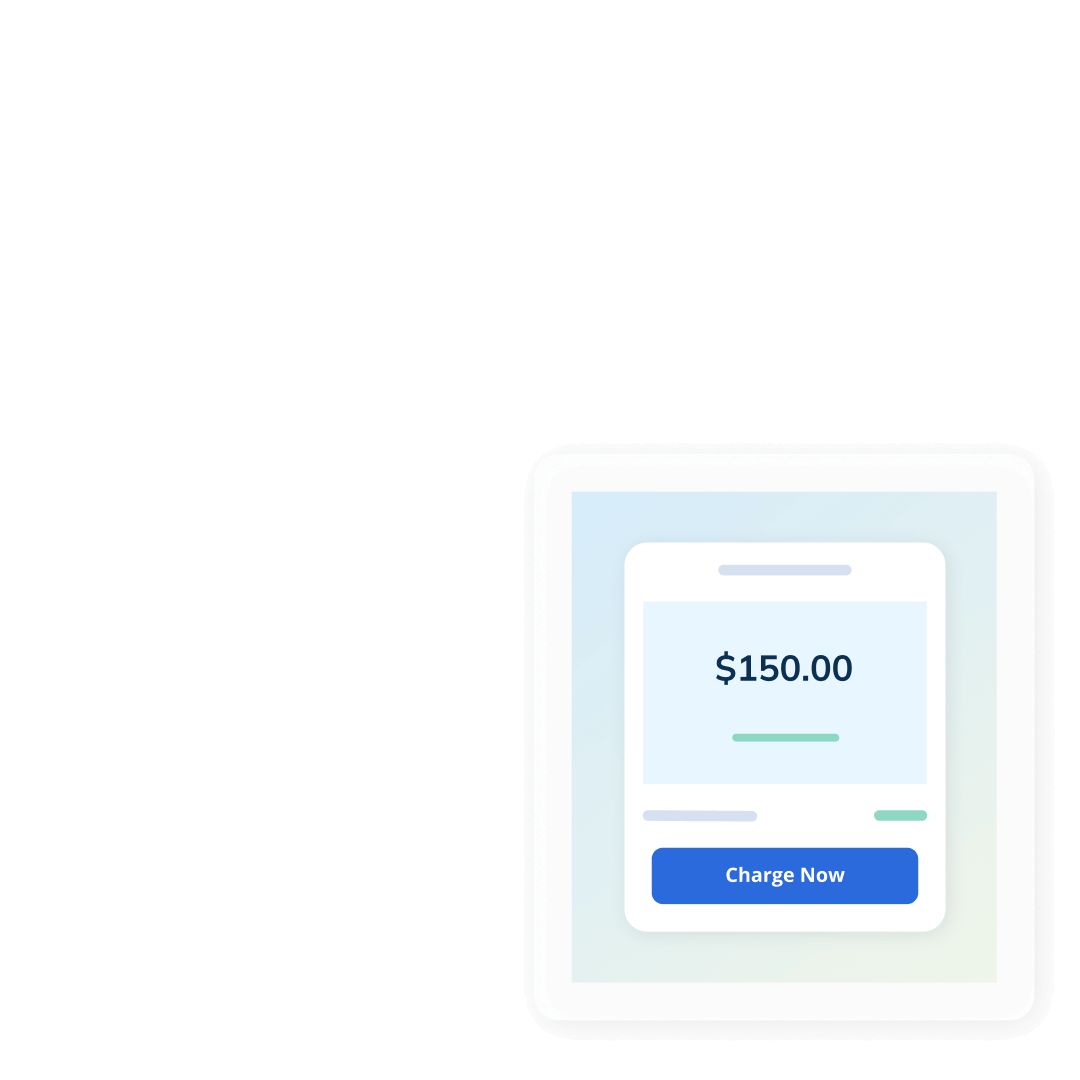
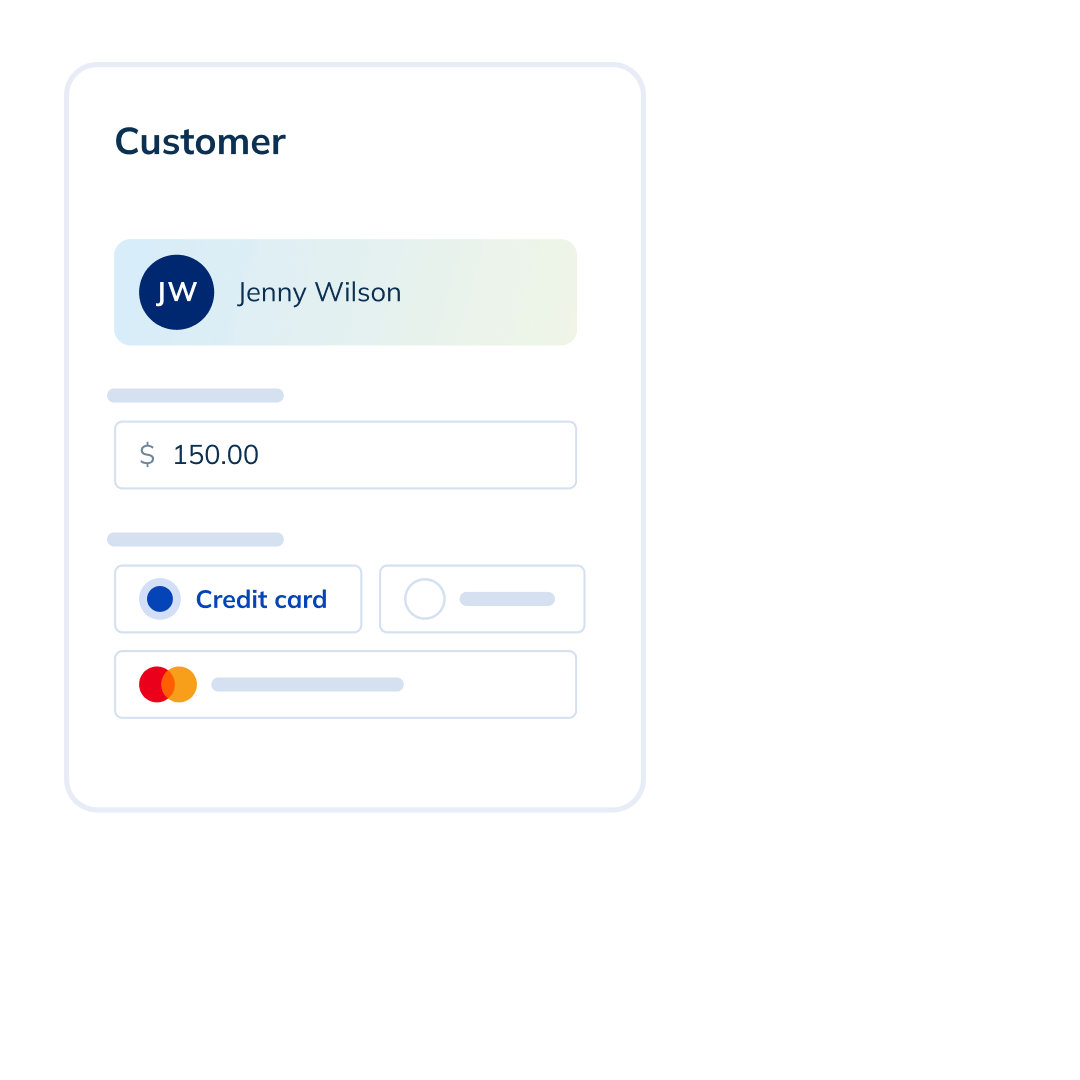
如何运作
01. Activate the Accept Payments Feature
- 在您的 SimplyBook.me 账户中启用 Accept Payments。
- 从设置或左侧导航栏打开 SBPay.me。
- 您将被跳转至 SBPay.me 商户门户。
- 在支付提供商列表中找到 HitPay,然后点击"激活"。
02. Create or connect your HitPay account
Click on the link and complete the onboarding process. If you already have a HitPay account, complete the connection. If not, follow the account setup steps below
03. Start accepting payments
Clients can now pay when they book—online or at your physical location.
HitPay 是值得信赖的支付合作伙伴
- 建立在安全与合规基础之上HitPay 遵循行业标准安全实践,并与亚太地区受监管的合作伙伴合作,确保商家与客户的付款处理安全可靠。
- 清晰易懂的定价支付费用按国家和支付方式清楚显示,无需支付设置费或订阅费。
- 一个平台管理所有支付在单一仪表板中接受在线预约付款、店内二维码支付、付款链接和发票,减少多工具管理需求并节省时间。